Integration credentials intro
 Updated
by
Victor Jespersen
Updated
by
Victor Jespersen
Getting started
To get started with Quinyx REST API, there are a few things you will need to know.
The framework used for authorisations to the REST API´s is OAuth2. More detailed information can be found here https://oauth.net/2/
Credentials
The basic flow for authentication is that a user is given a set of credentials that is identified with a UUID:
- uuid - this is an identifier for the set of credentials. This is to be used in communication with Quinyx support if needed.
- Client ID - keep this in a safe place. Can be shared, usually used as a username in applications such as Postman or similar.
- Client secret - needs to be kept VERY confidential, this is the password and in combination with the Client ID gives the owner access to the defined scopes.
Scopes and permissions
Scopes | Scope determines what "group" of functionality you will be able to access through the API. Version 2 credentials:
Version 3 credentials:
|
Permissions 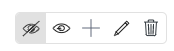 | Permissions determine what you can do with the functionality that you have access to. Read - GET Add - POST Write - PUT, PATCH Delete - DELETE |
Generate credentials
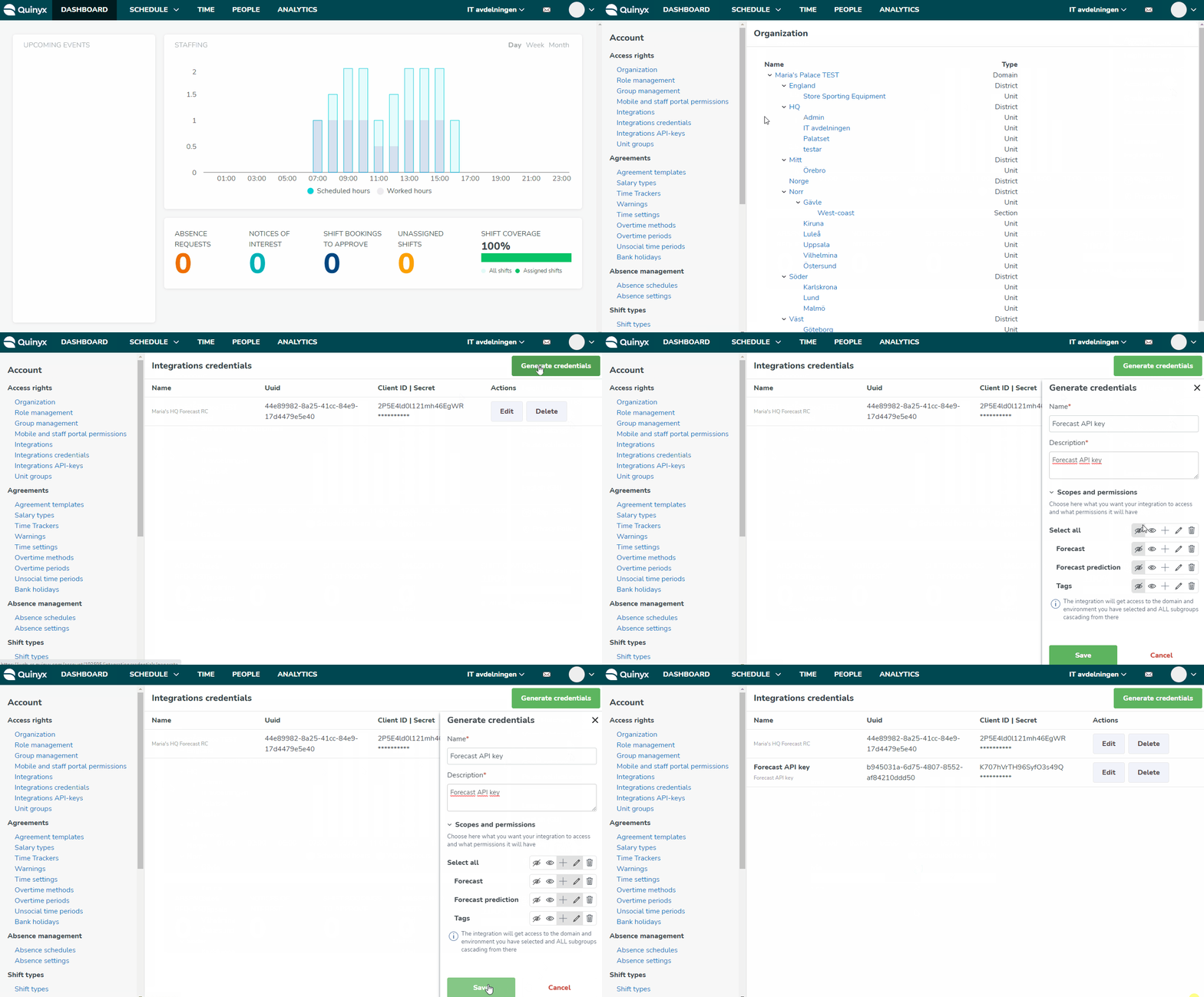
- Click Account settings.
- Under Access rights, click Integration credentials. If credentials exist, they will be displayed here, and you can edit names and descriptions of the existing ones. You can also view what scopes and permissions are set for each set of credentials.

- To create a new set of credentials, click Generate credentials.
Name (mandatory) | Write the name of this set of credentials. This can be edited at a later stage, but it is a mandatory field. |
Description (mandatory) | Write a description for this set of credentials. This can be edited at a later stage, but it is a mandatory field. |
Version | Choose between Version 2 and Version 3 scopes. |
Scopes and Permissions | Choose the scopes and permissions that you want the credentials to have Read - GET , Add - POST, Write - PUT, PATCH, Delete - DELETE |
- When you click Save, you will be presented with the Secret. This should be stored and handled accordingly in regards of being very sensitive information. You will not be able to see this information again.
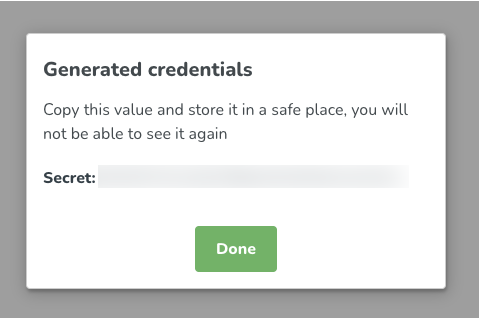
- Securely store the client secret in a location of your choice and only then click Done. You will not be able to display your client secret again. You will only be able to view the clientId and UUID of the credentials.
Edit credentials
You can only edit the name and description of the REST API credentials. If you need to edit the scopes and/or permissions, you need to create new ones and then delete the old ones.
