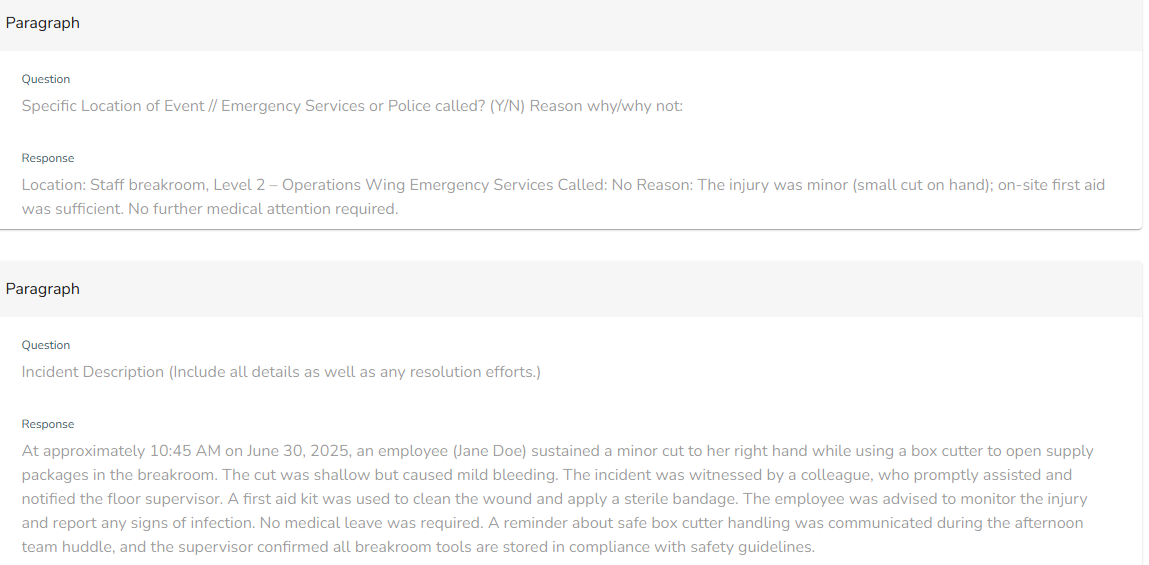
Employee Hub - Viewing & exporting Form submissions
 Updated
by
Victor Jespersen
Updated
by
Victor Jespersen
If you've been set to receive notifications on a form then you will receive a notification whenever a new submission is made. Even if you haven't been set to receive notifications you can still explore and interact with all form submissions that have been submitted by stores that you oversee.
View forms
You can access the Form that you're interested in from the Forms Library section of the Homepage or by going to the Forms tab.
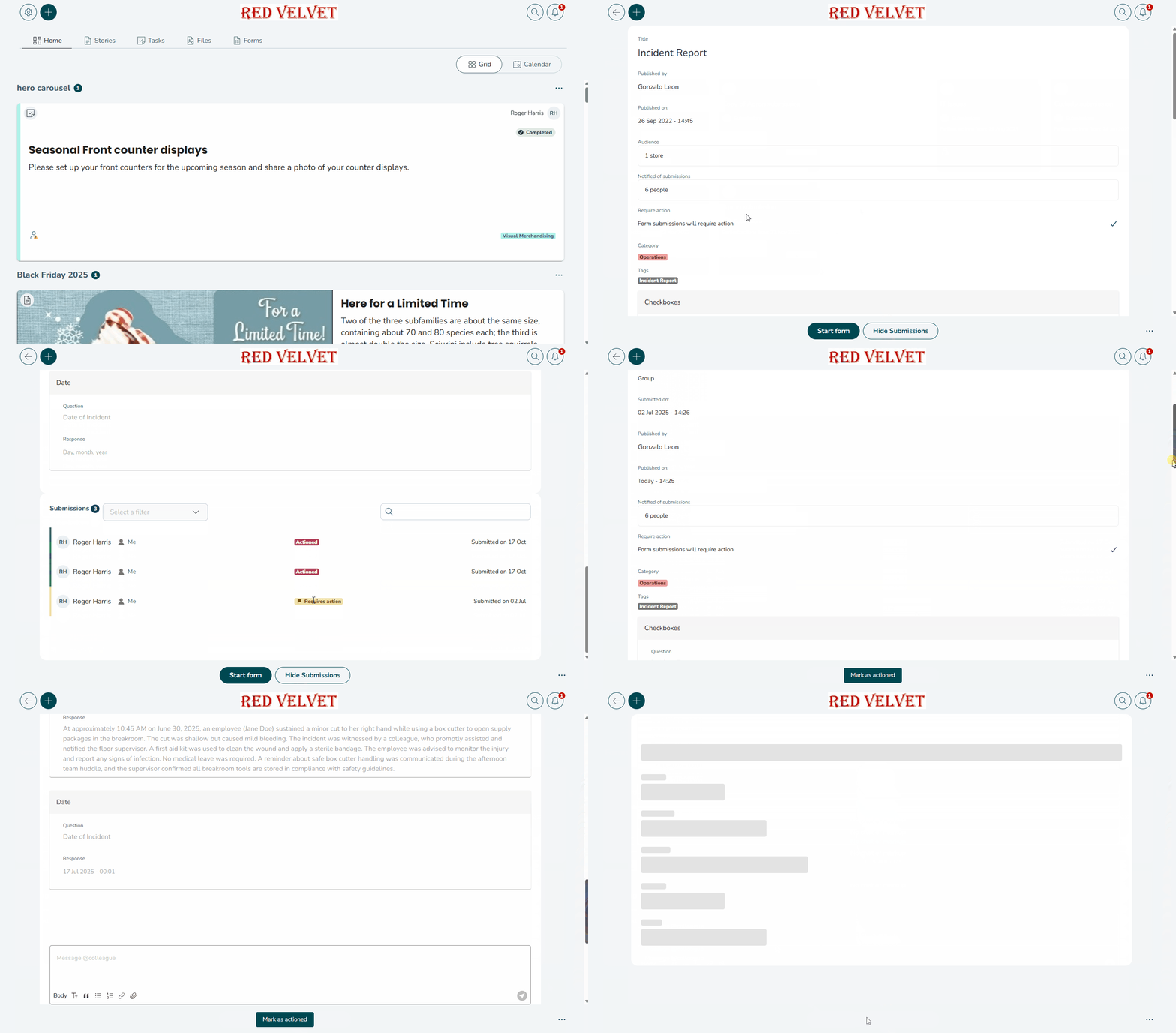
To see any submissions made on a form, select View Submissions. Within the hierarchy of recipients, you can view if any action has been taken, and what date the action was made. While viewing a submission, you will also have access to a chat where you can discuss with any users regarding the forum and the submission.
Exporting responses
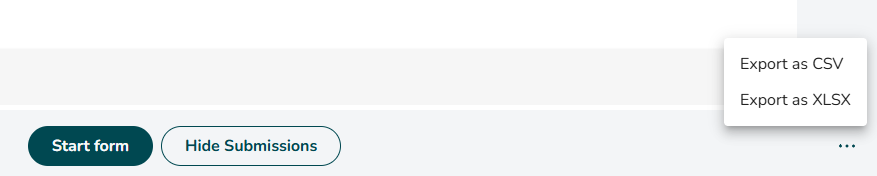
Open the Form menu and choose your preferred export option.

Viewing individual responses
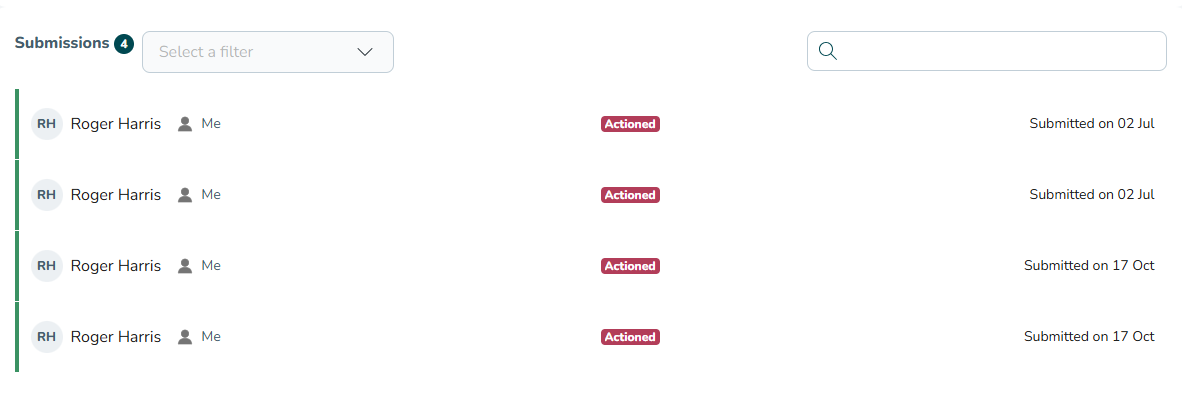
Browse or search for the store submission that you'd like to view and click on the submission.
You will see the completed form.