QWFM Mobile release version 3.52

Mobile support for Absence Opportunities
We're excited to introduce Absence Opportunities, a new functionality which gives managers a way to proactively offer employees optional time off when demand drops unexpectedly. As an employee, you can either decline or submit a request to be considered for an absence opportunity via the mobile app.
See new absence request notifications in the side menu
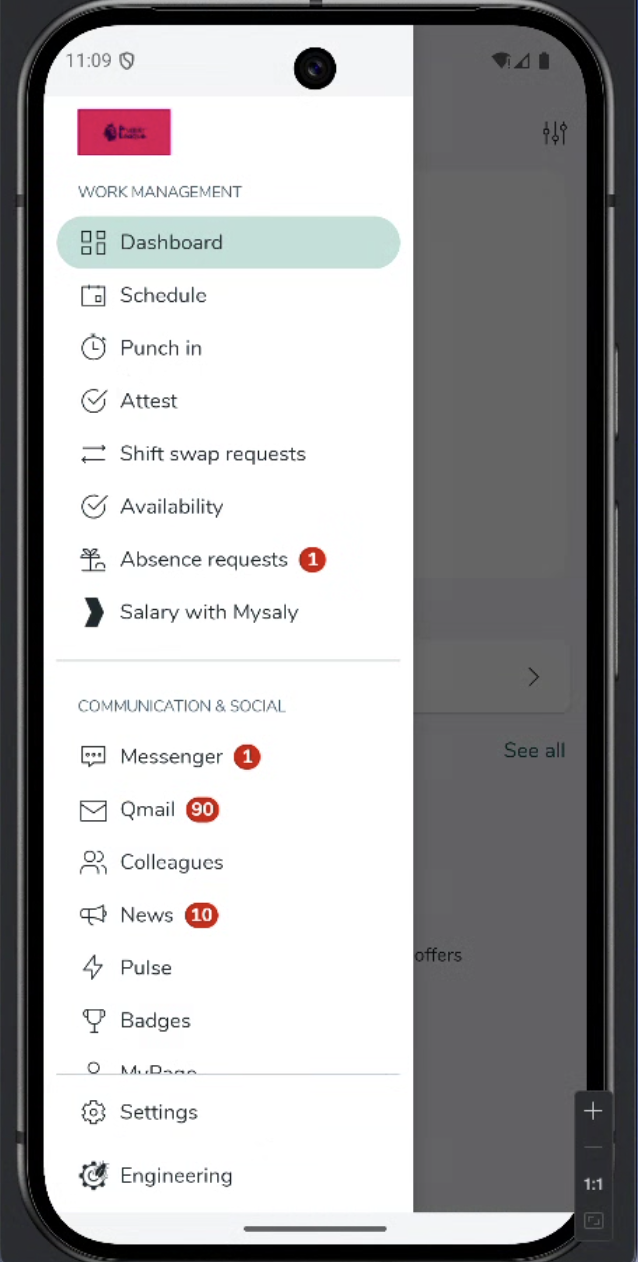
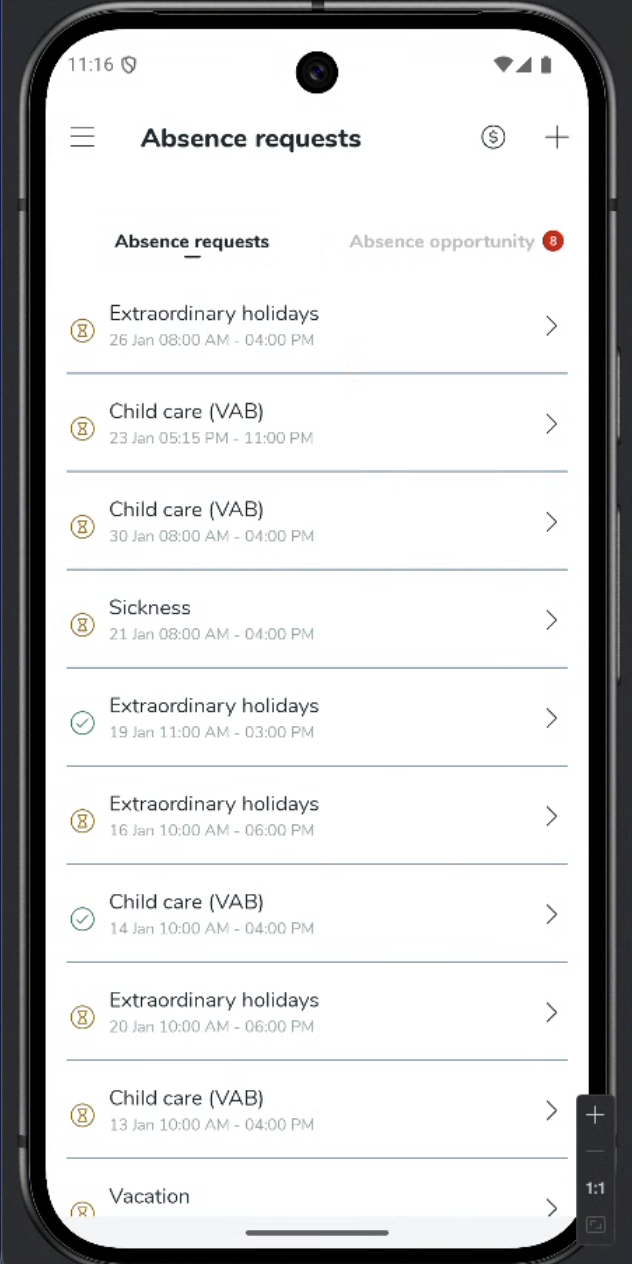
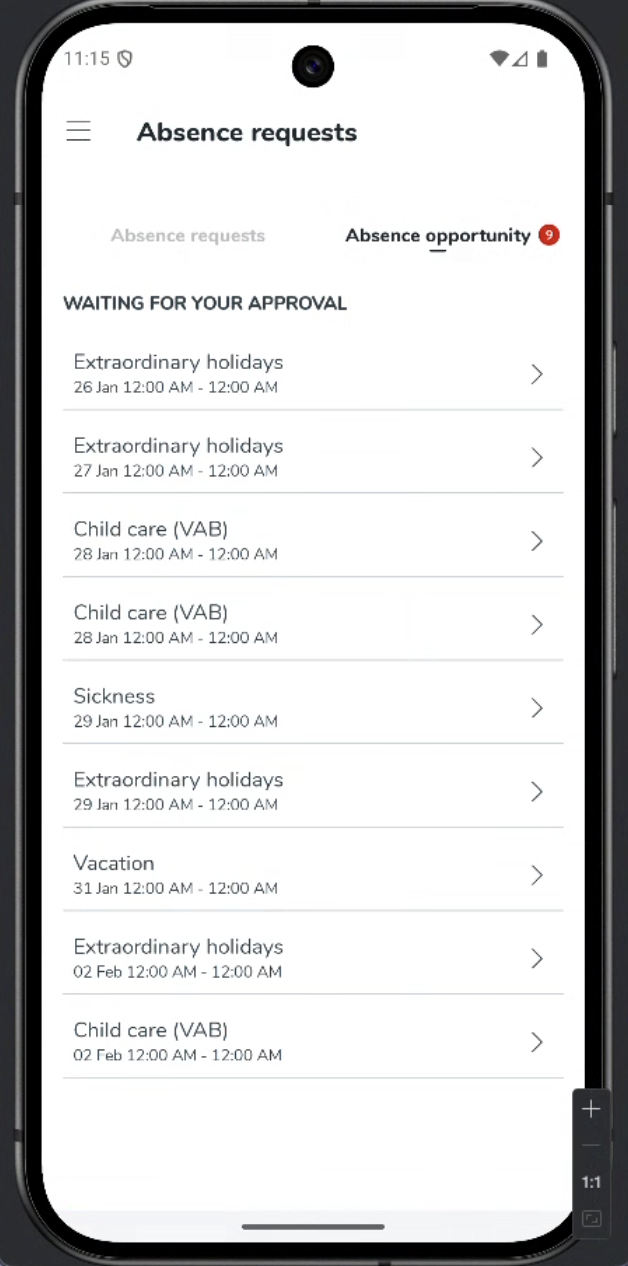
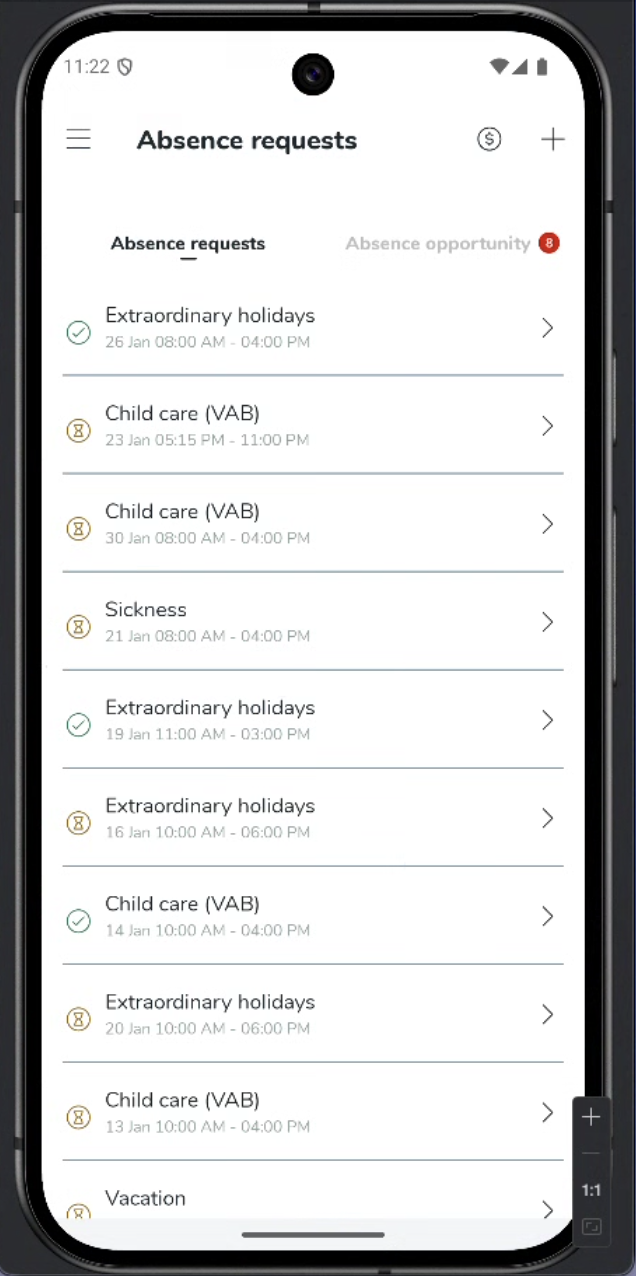
Select Absence requests to navigate to the tab, select new Absence opportunity tab
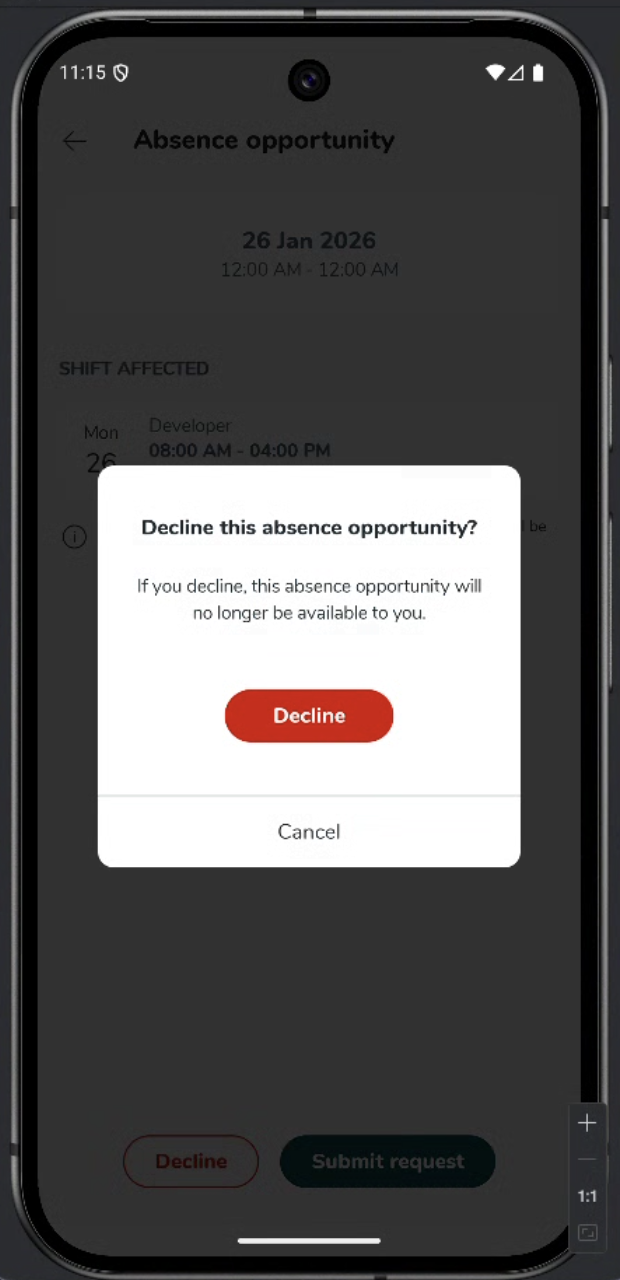
Select any absence opportunity to view its details. If you do not want to be considered for an absence opportunity, select decline and confirm your wish to decline
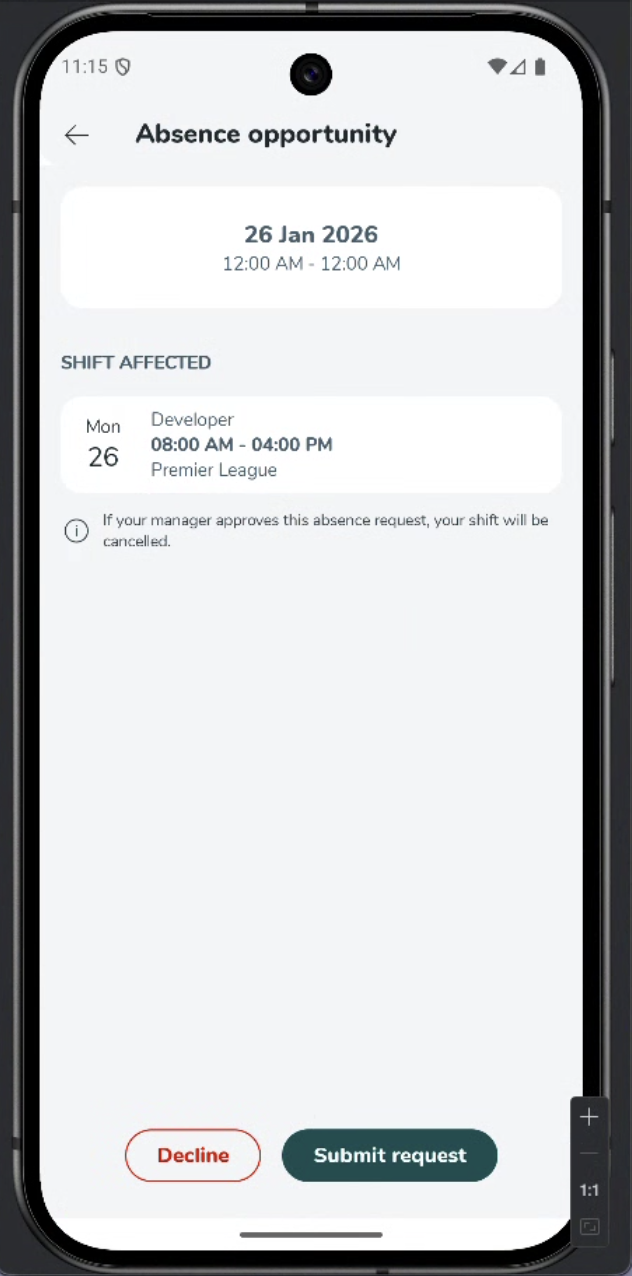
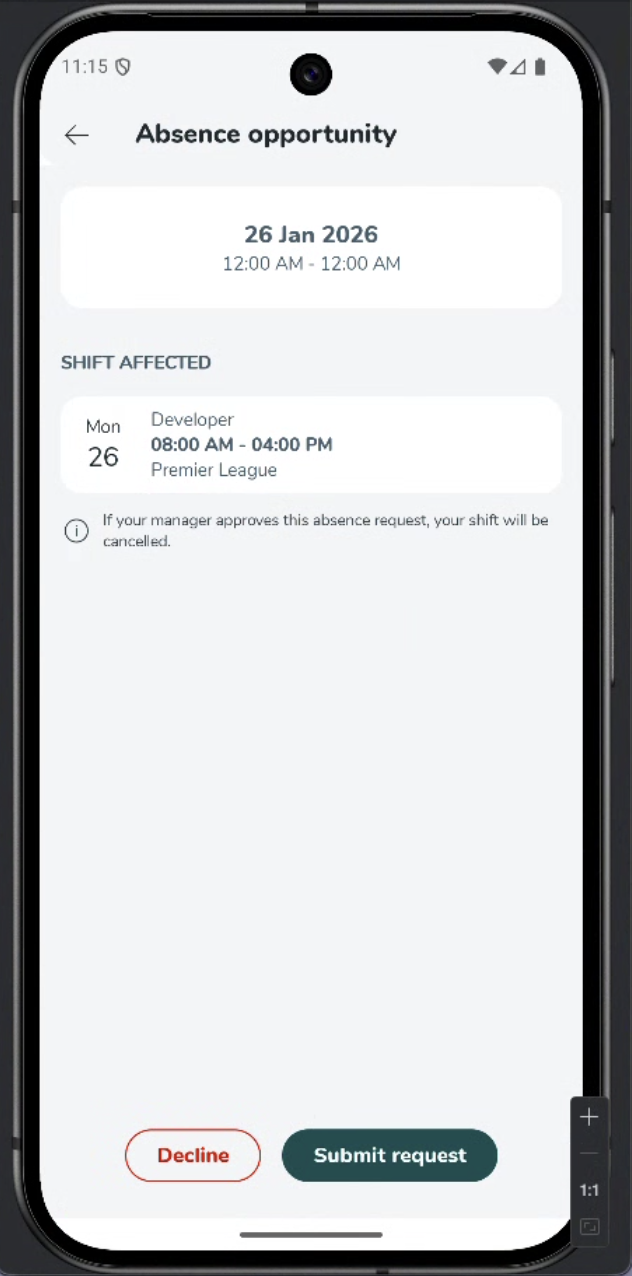
To submit a request to be considered for an absence opportunity, select submit request and then okay to confirm
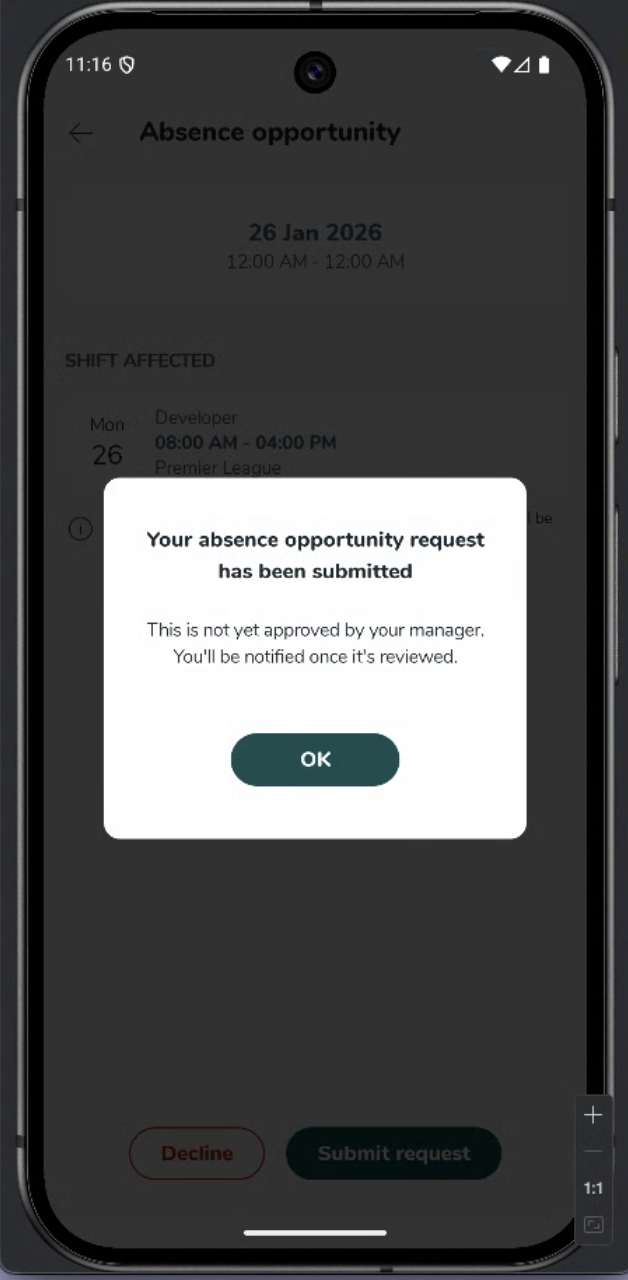
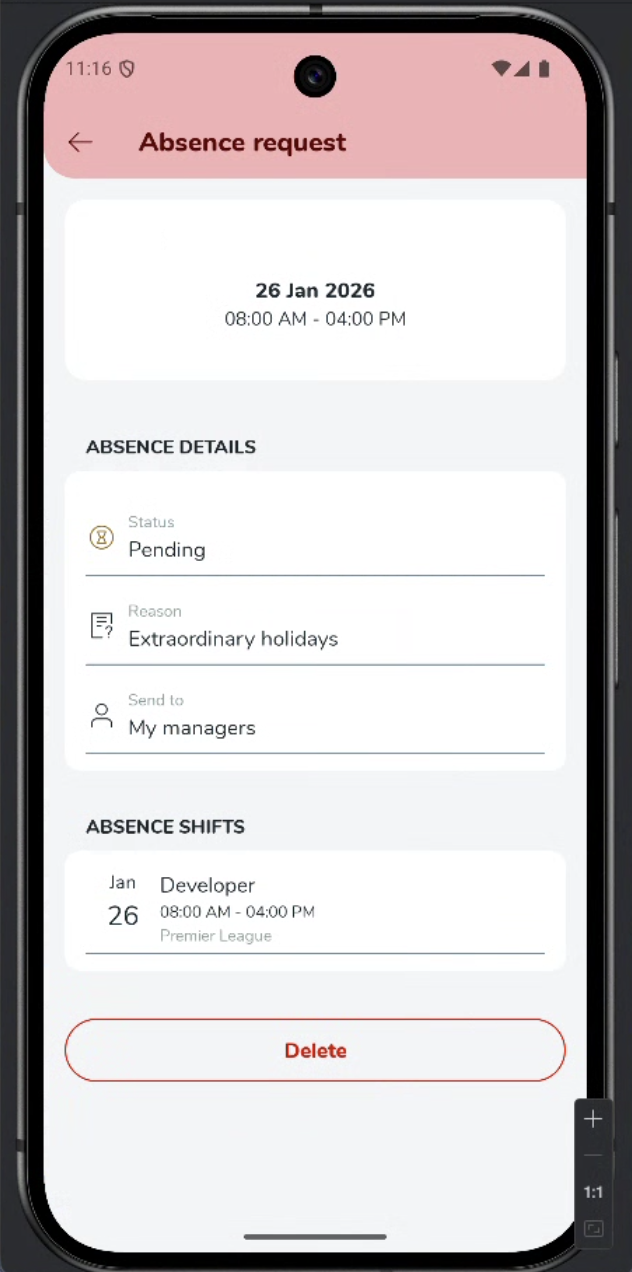
You will see your absence request in a pending state until your manager approves. Select the pending absence request to view its details.
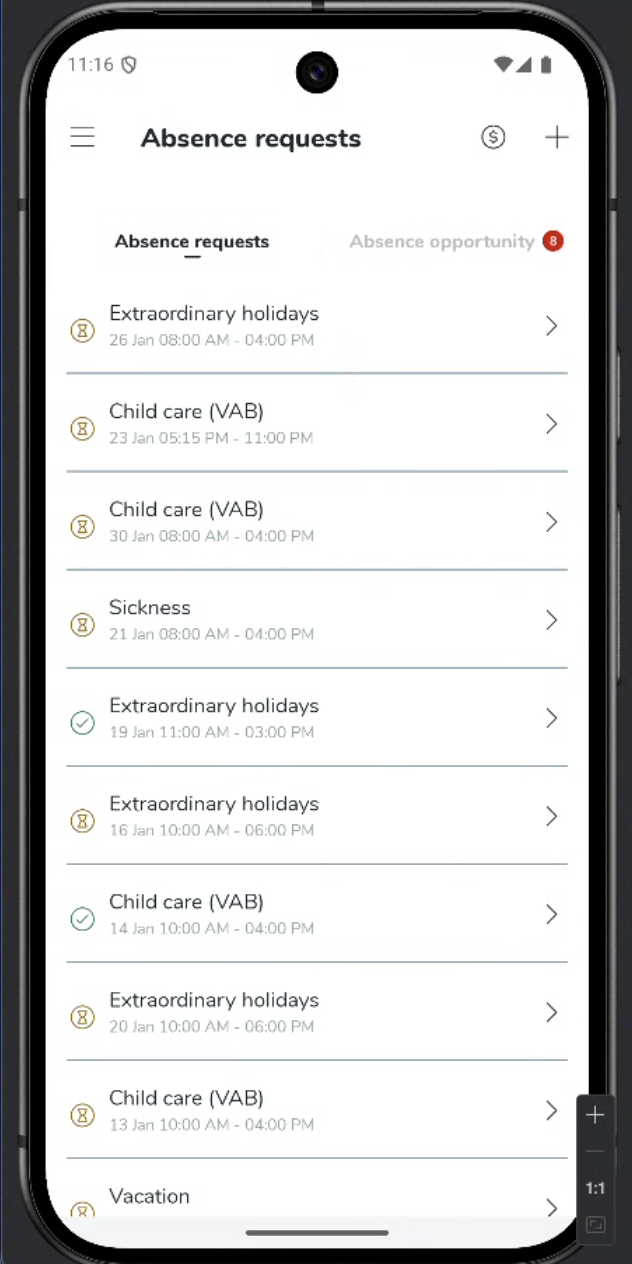
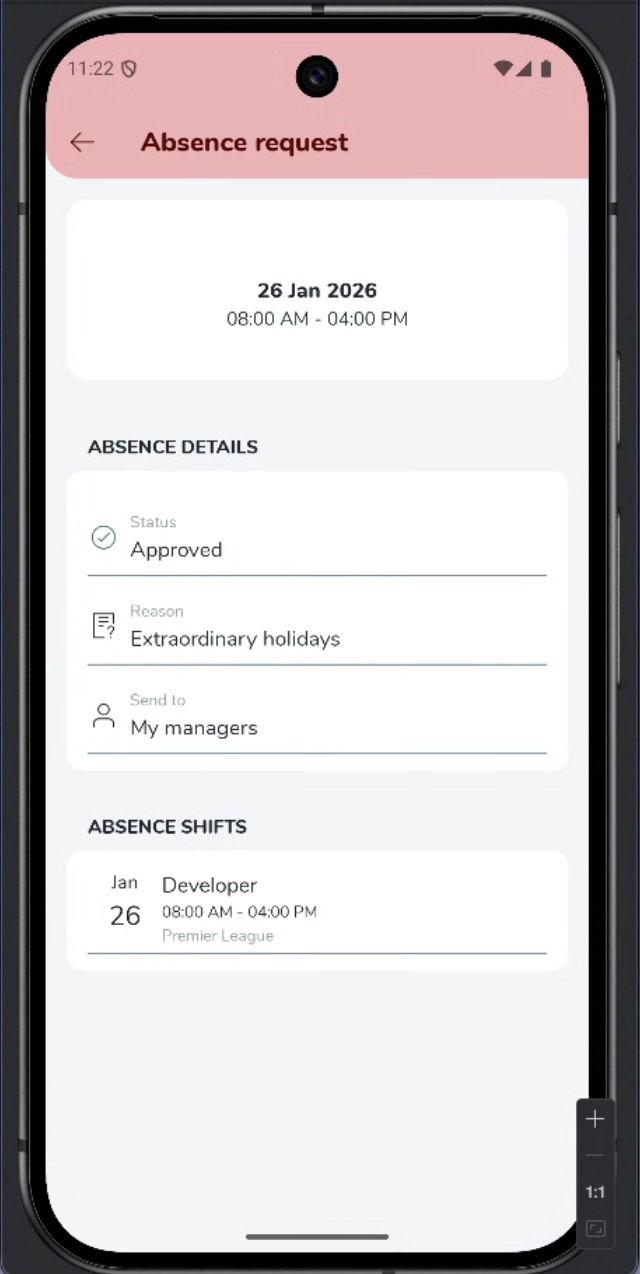
Once your manager has approved your absence request, the status will update to ‘approved’
Compliance everywhere; Schedule Compliance for mobile actions!
Prior to this release, schedule compliance settings only applied to schedule actions made in web.quinyx.com, and were not applied in the mobile app. We will now validate scheduling actions completed in mobile through schedule compliance configured rules!
The schedule compliance rules are as follows:
Rule is archived
Manager - Don't show warning
Employee - Don't show warning
Rule severity = Silent
Manager - Don't show warning
Employee - Don’t show warning
Rule severity = Warning
Manager - Show overridable warning
Employee - Show non-overridable warning - Shift is sent to the manager for approval, like today
Rule severity = Non-overridable
Manager - Show non-overridable warning
Employee - Show non-overridable warning
Improvements
- Bug fixes
