Mobile - Respond to a pulse
 Updated
by
Victor Jespersen
Updated
by
Victor Jespersen
In the Pulse tab, you can answer a pulse survey. These surveys can be things such as daily checkups on how you feel, security and safety questions for your work environments, etc. You can reply to the surveys with ease using the Pulse tab. In this article, we will go through the steps you have to take to respond to a pulse survey.
Respond to a pulse survey
You can respond to a pulse survey by following the steps below:
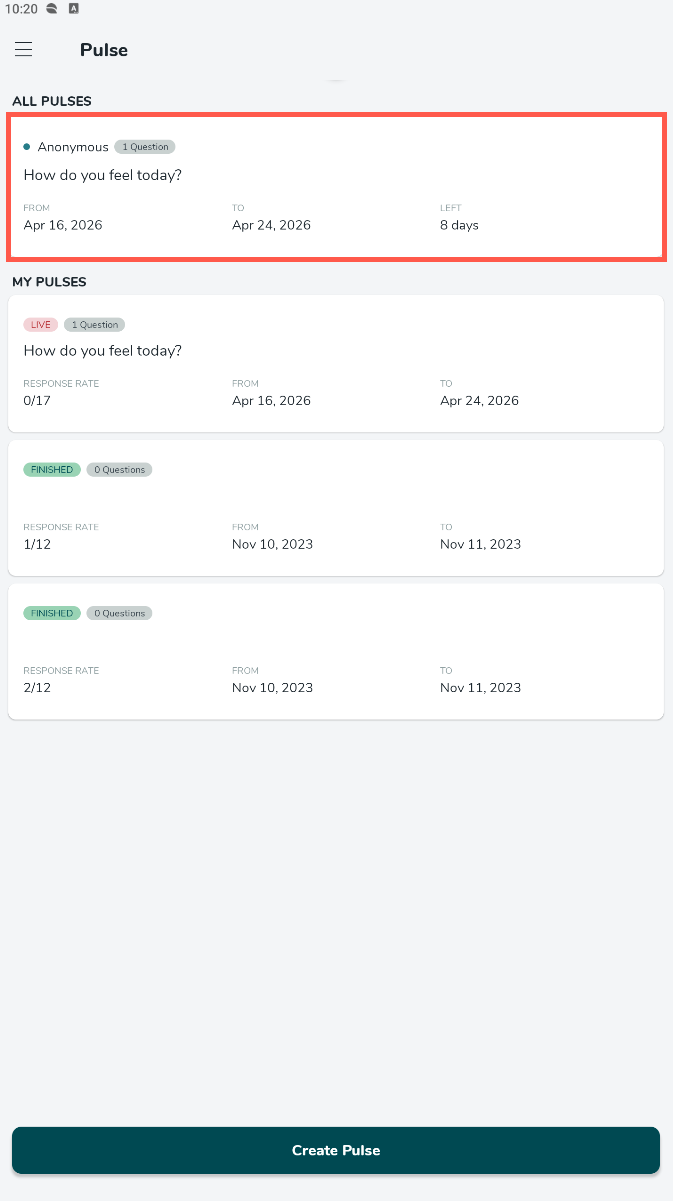
- Select a survey you want to respond to.
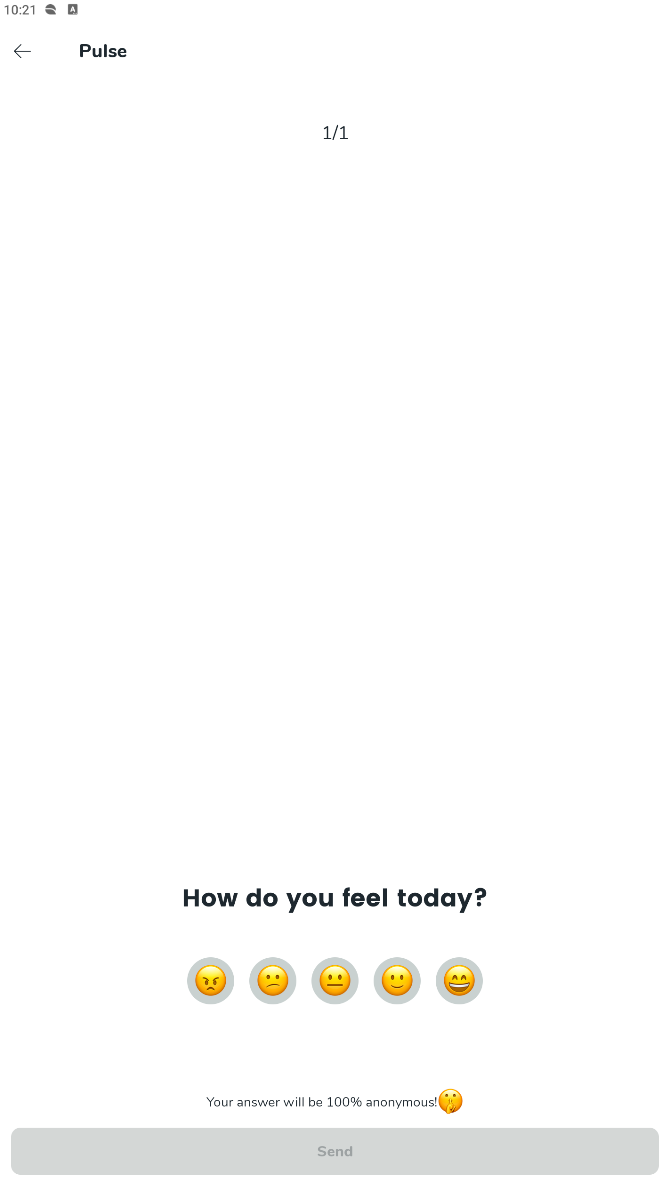
- Read the question and select an answer on the scale, and write a response depending on whether the question requires you to write an answer.
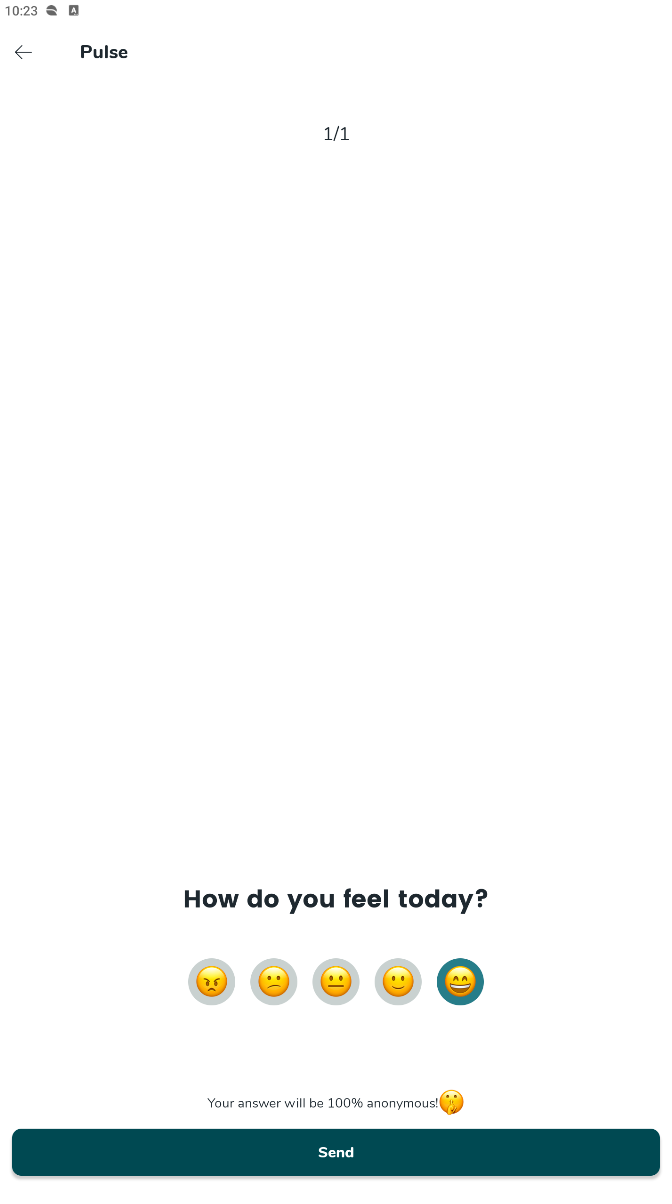
- Select Send.