Mobile - What's visible in your schedule
 Updated
by
Daniel Sjögren
Updated
by
Daniel Sjögren
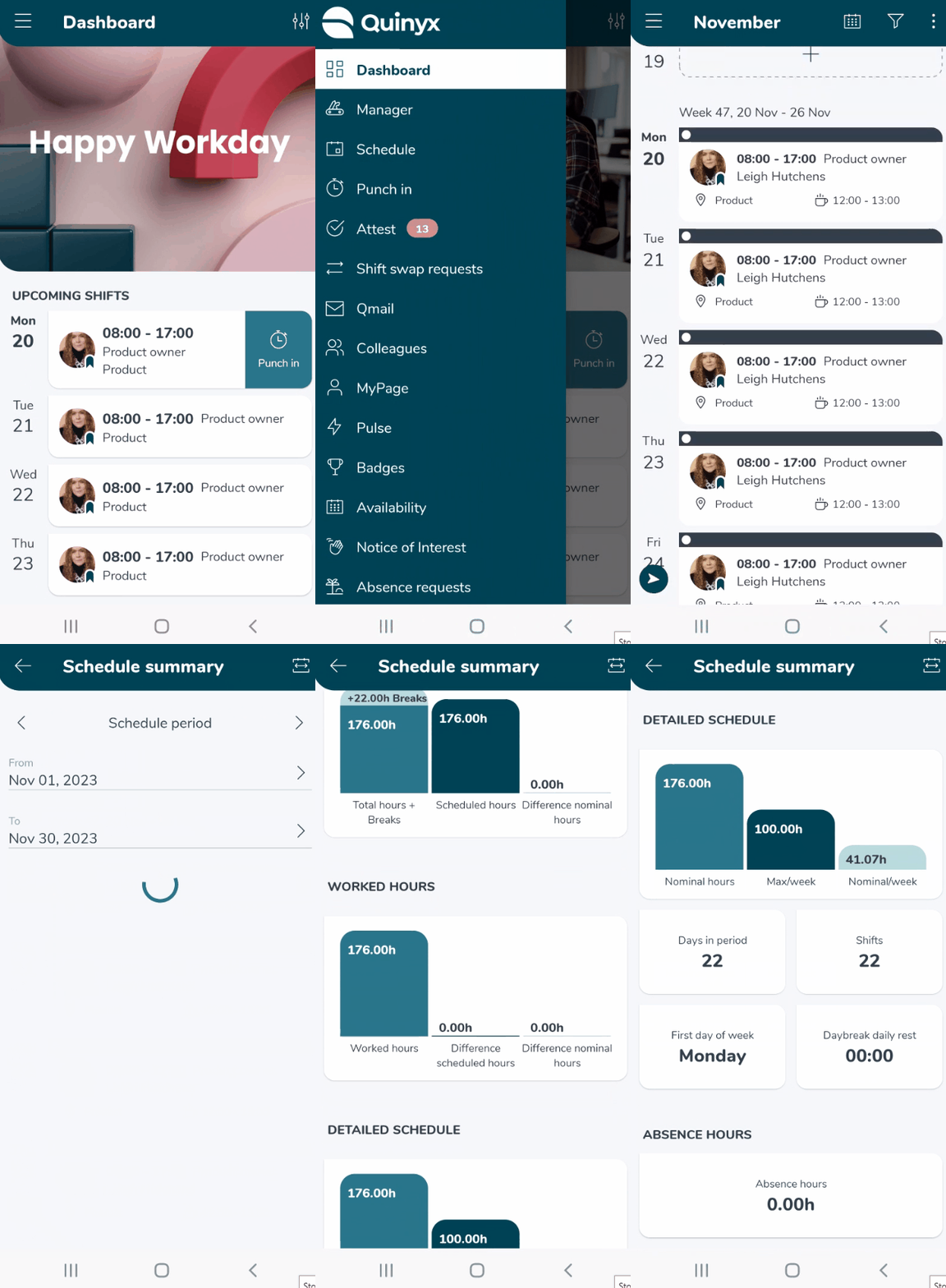
Your schedule is available in the Quinyx mobile app. The schedule is the place where you can see all your upcoming shifts, detailed information about the shifts, colleagues' shifts, unassigned shifts, and much more.
Agenda view
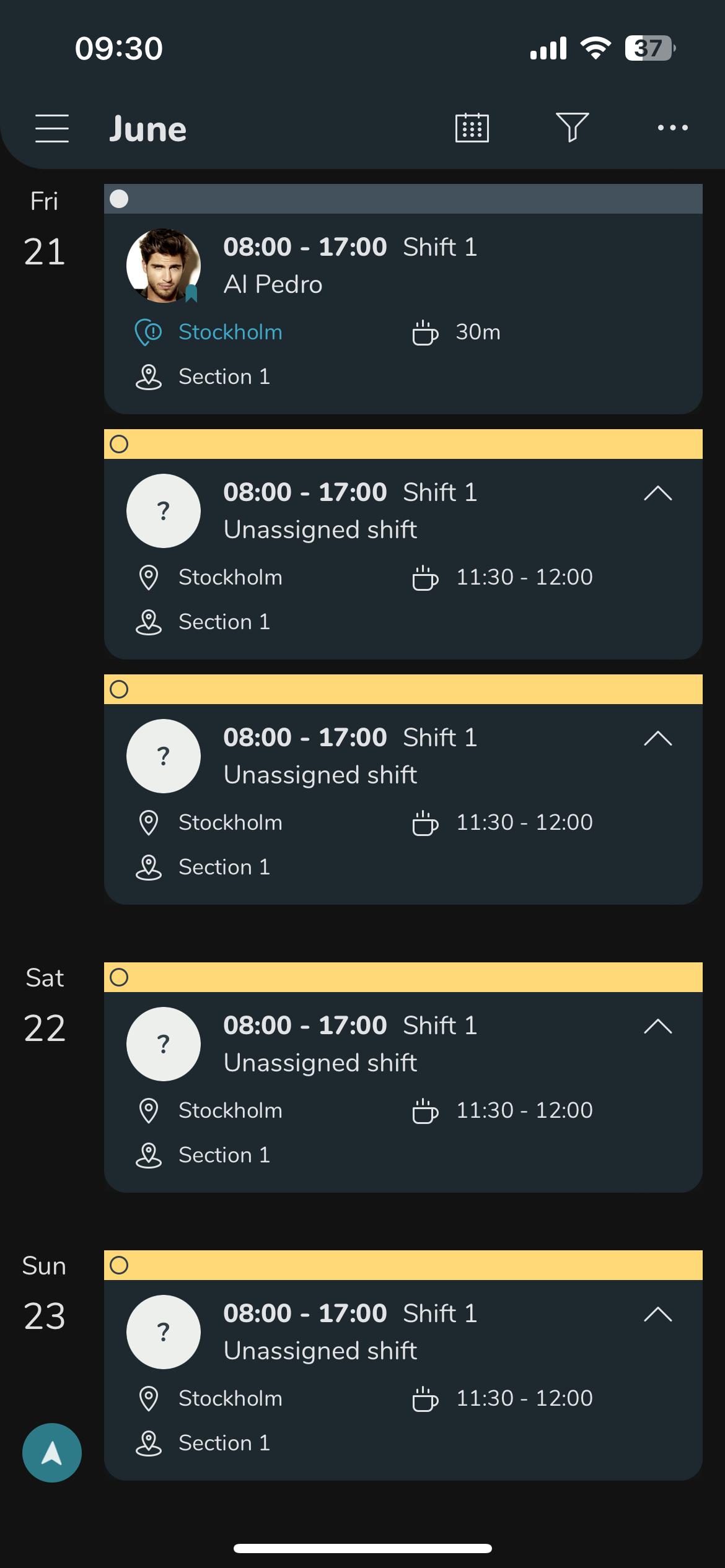
Below is the agenda view (daily view) of the schedule. In this view, you can see more details about all the shifts presented. You can scroll down to see future shifts and up to see historic shifts.
In the top-right corner, you can tap the funnel icon to see the Schedule filter. Tap the ellipsis menu (three dots) to find the schedule summary and refresh button.
Calendar view
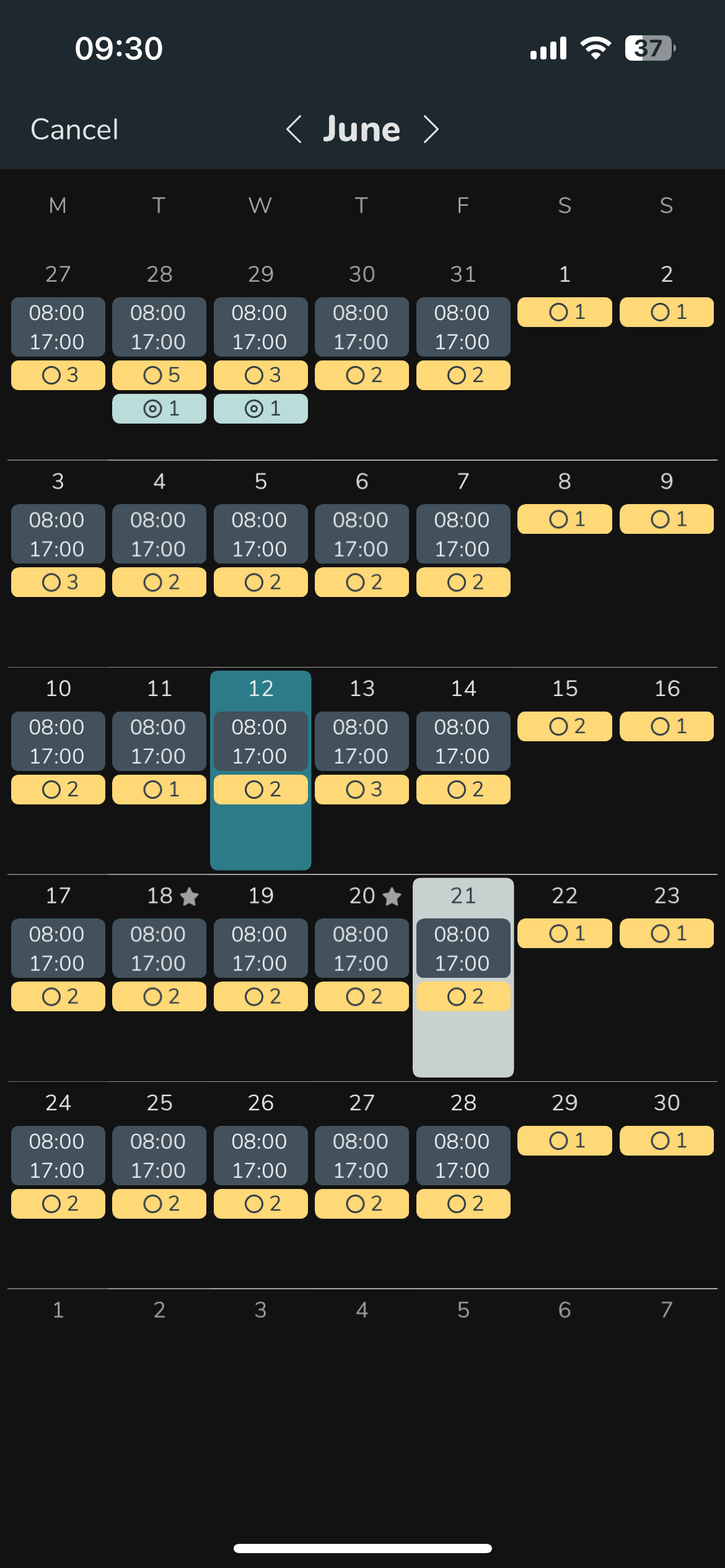
Below is the calendar view. This is an overview of a full month, it shows the first scheduled shift of the day's time and icons to indicate additional shifts you might have that day, unassigned shifts, and absences for example.
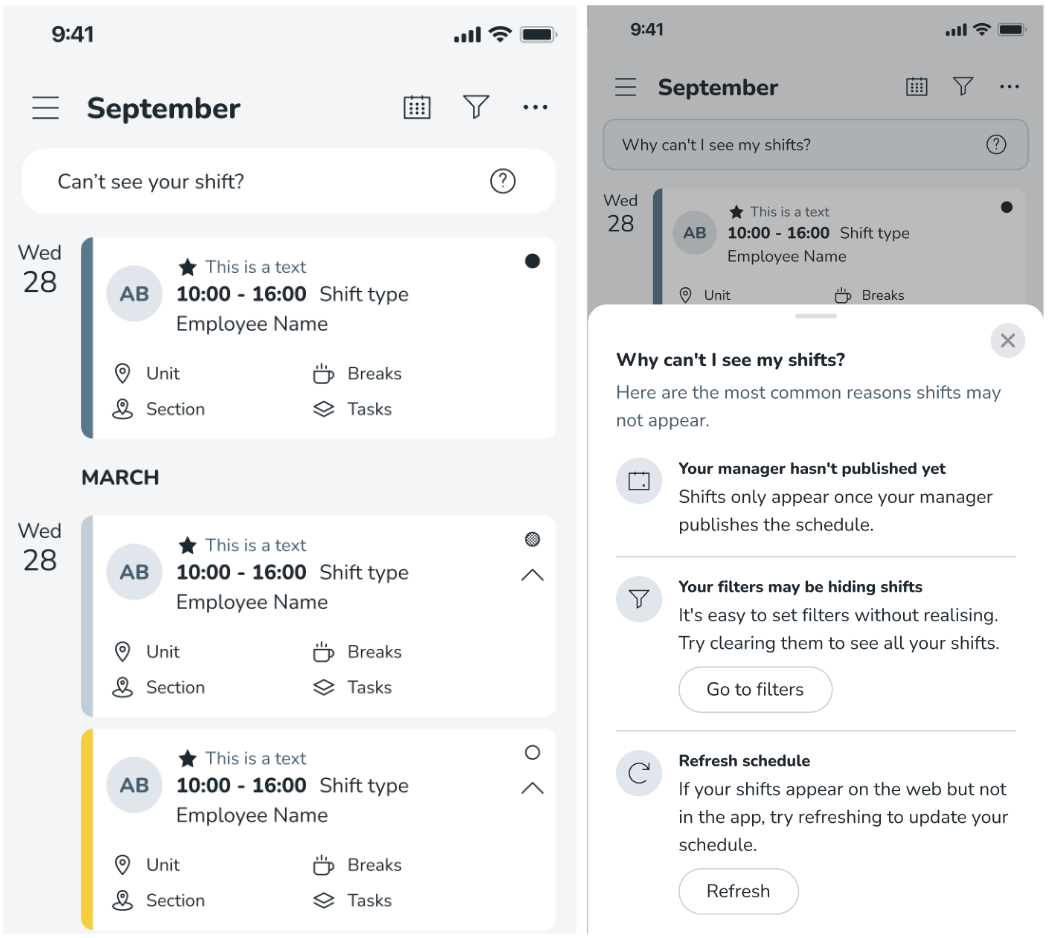
Can't see your shift info button
If you for any reason struggle with finding you shifts, you can make use of the "Can't see your shift?" info button. There can be various reasons why your shifts are not showing:
- Your manager may not have published your schedule
- You may have filters applied that need clearing
- You may need to refresh your schedule
If you believe you are missing shifts, this info button helps explain why this might be the case.
Schedule summary
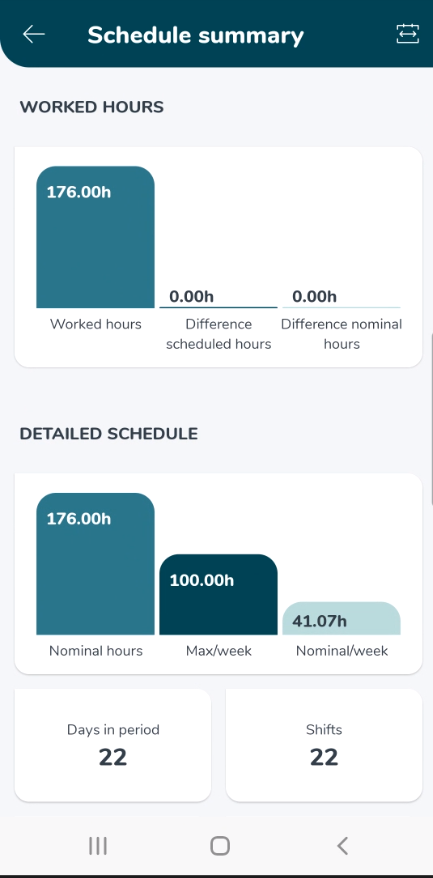
The Schedule summary visually summarizes scheduled hours, worked hours, detailed schedule information, days in the period, number of shifts, the first day of the week, daybreak daily rest, and absence hours.