Advanced Analytics - Alerts and scheduled reports
 Updated
by
Victor Jespersen
Updated
by
Victor Jespersen
Alerts
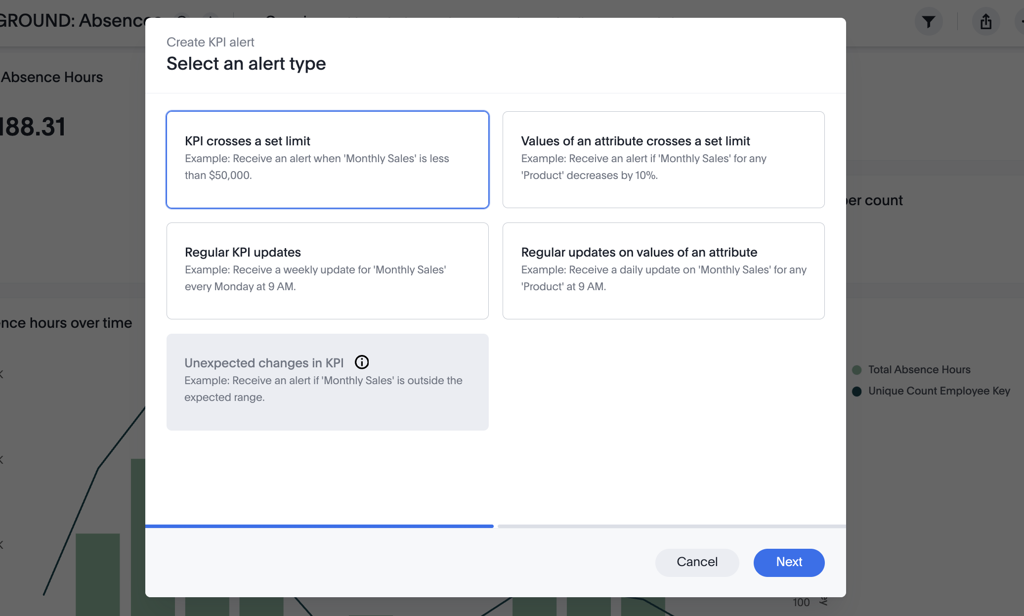
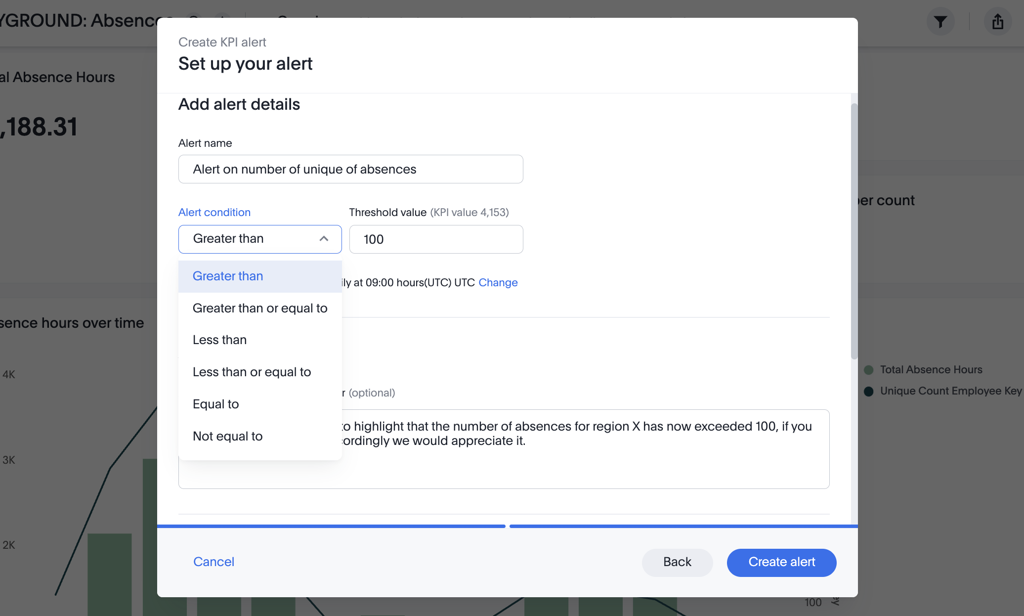
Using threshold alerts, you can create automated event-based alerts on a select KPI when a select attribute hits a set value or threshold. Or, with scheduled alerts, you can send automated updates on the same criteria at regular intervals so that you better surface insights and be sure that your users are getting the right updates at the right time.
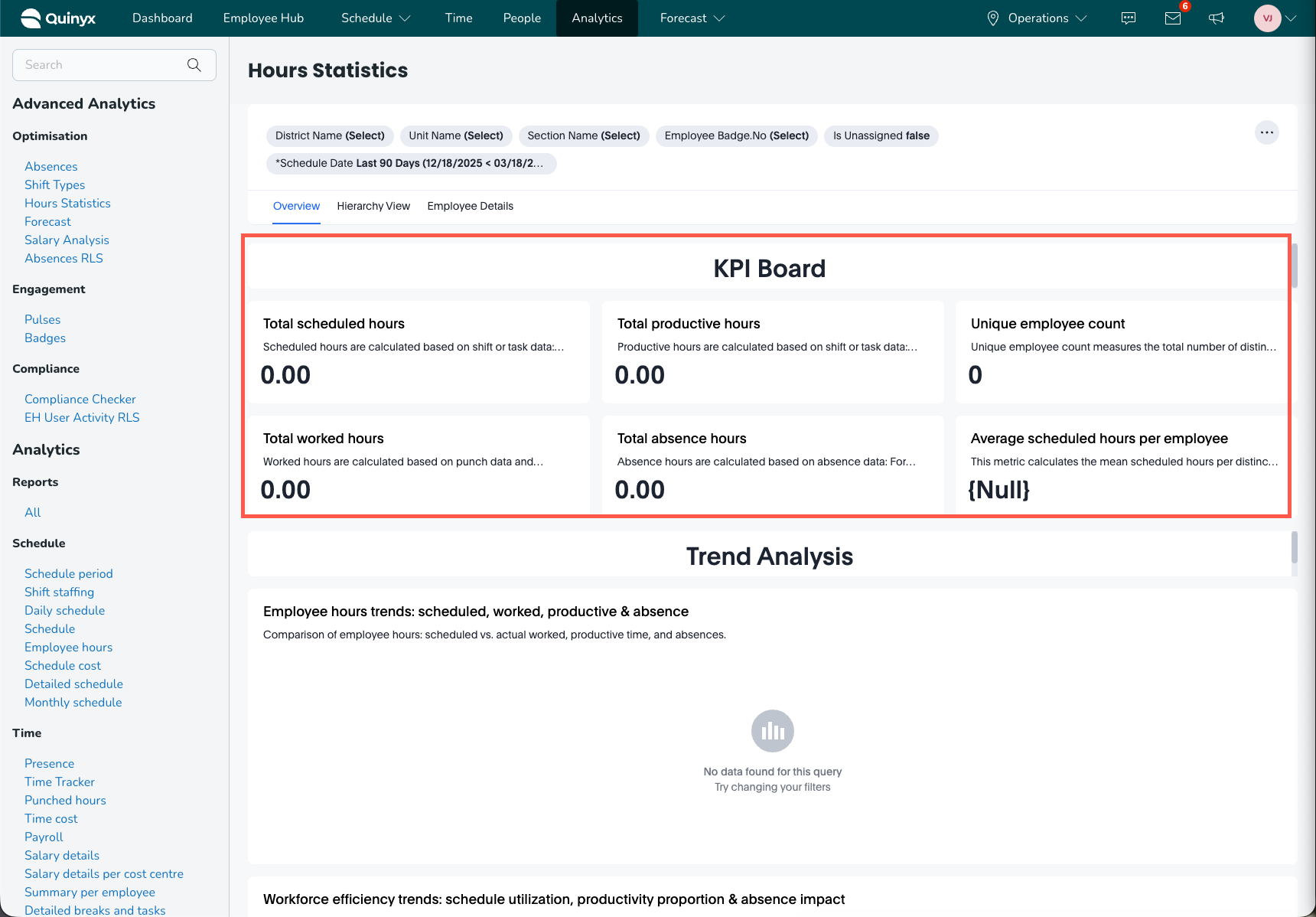
For example, you can configure an alert when unique absences in an area exceed 100, or when total productive hours drop to 1,000 or less - complete with a custom message for your target audience.
Scheduled reports
Likewise, if you’d like to generate a report of a complete dashboard, you can use the Schedule Reports function to automatically send an export of a dashboard or report in PDF, XLSX, or CSV format at regular intervals to help ensure stakeholders across the organization stay aligned on the same timely insights.
For example, you can configure a weekly report to all district managers at 05:45 every Friday on the total worked vs. scheduled hours to ensure everyone reports the same output at the same time each week.
To configure an automated report:
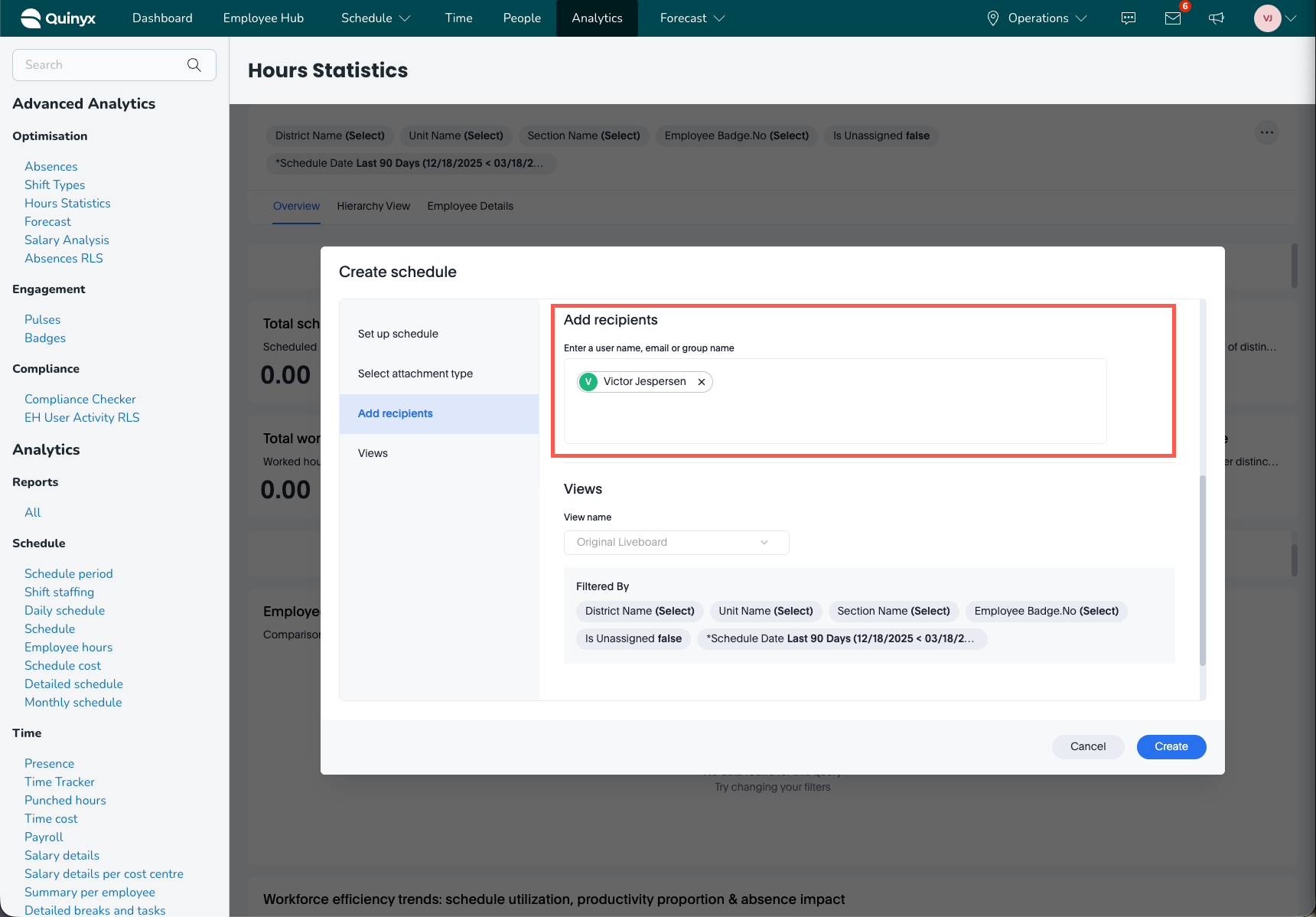
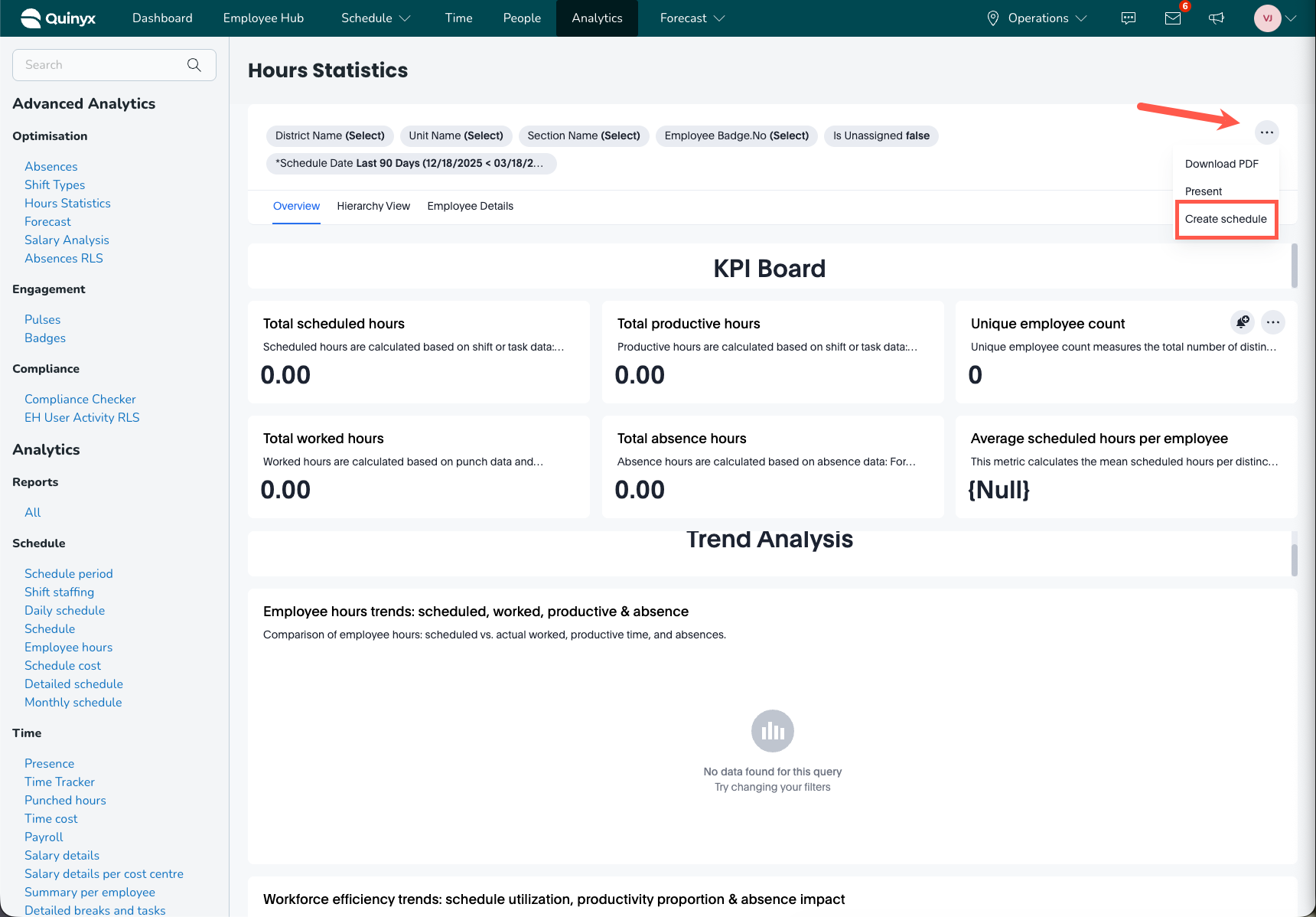
- Select the global “…” menu at the top right of your dashboard and select Create Schedule.
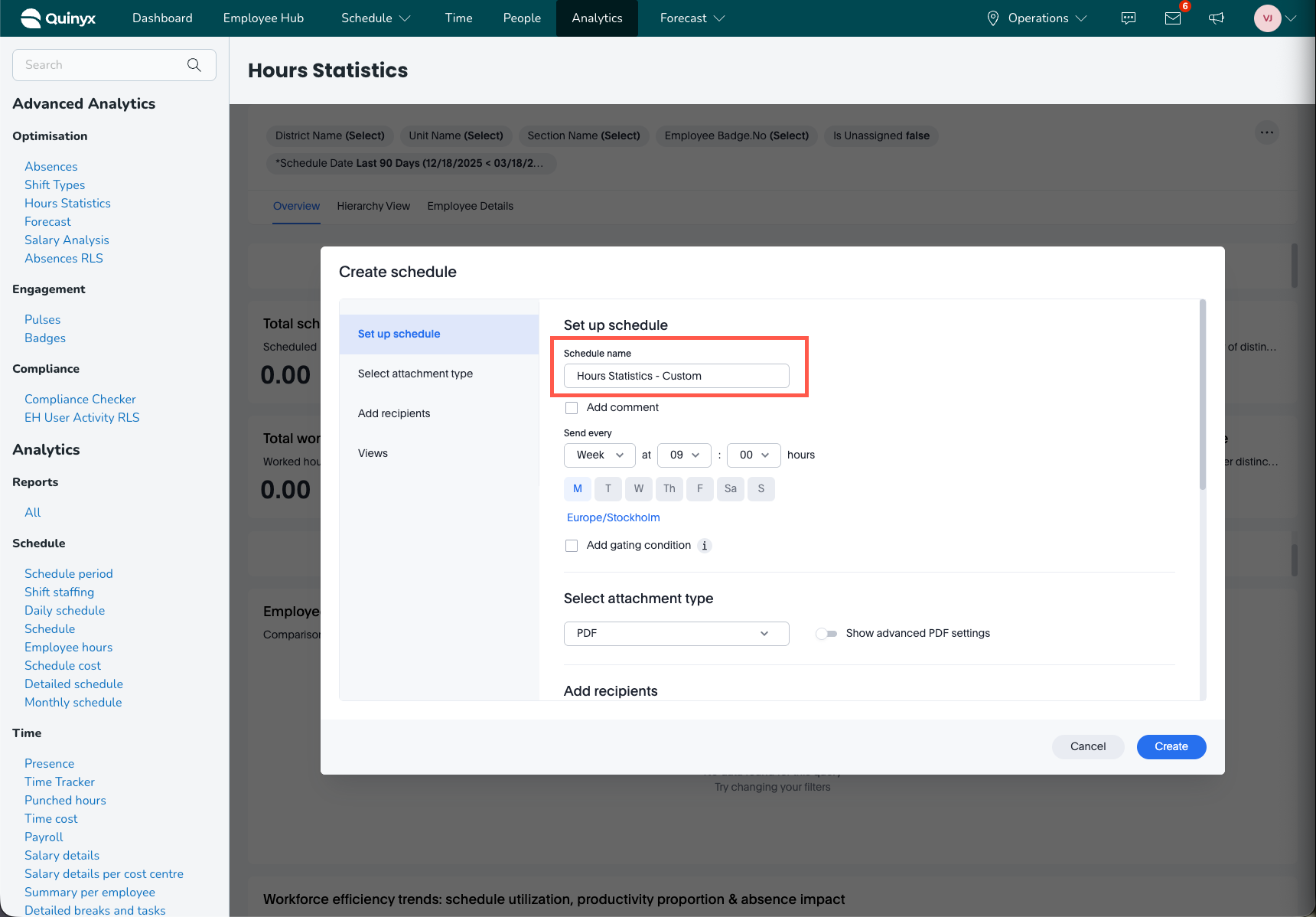
- Give the schedule a name.
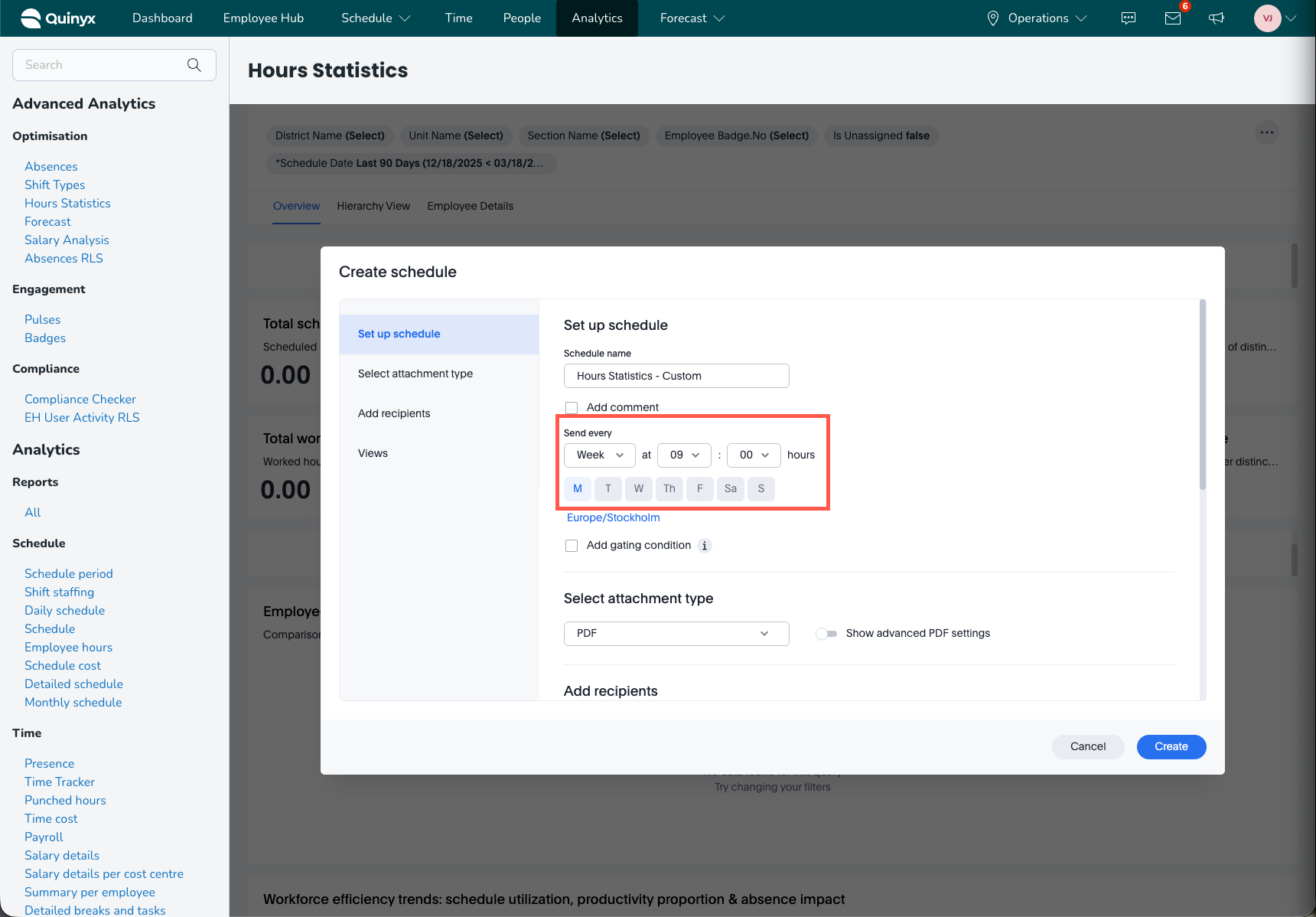
- Set a date and time when the report should be automatically generated. You can set multiple days.
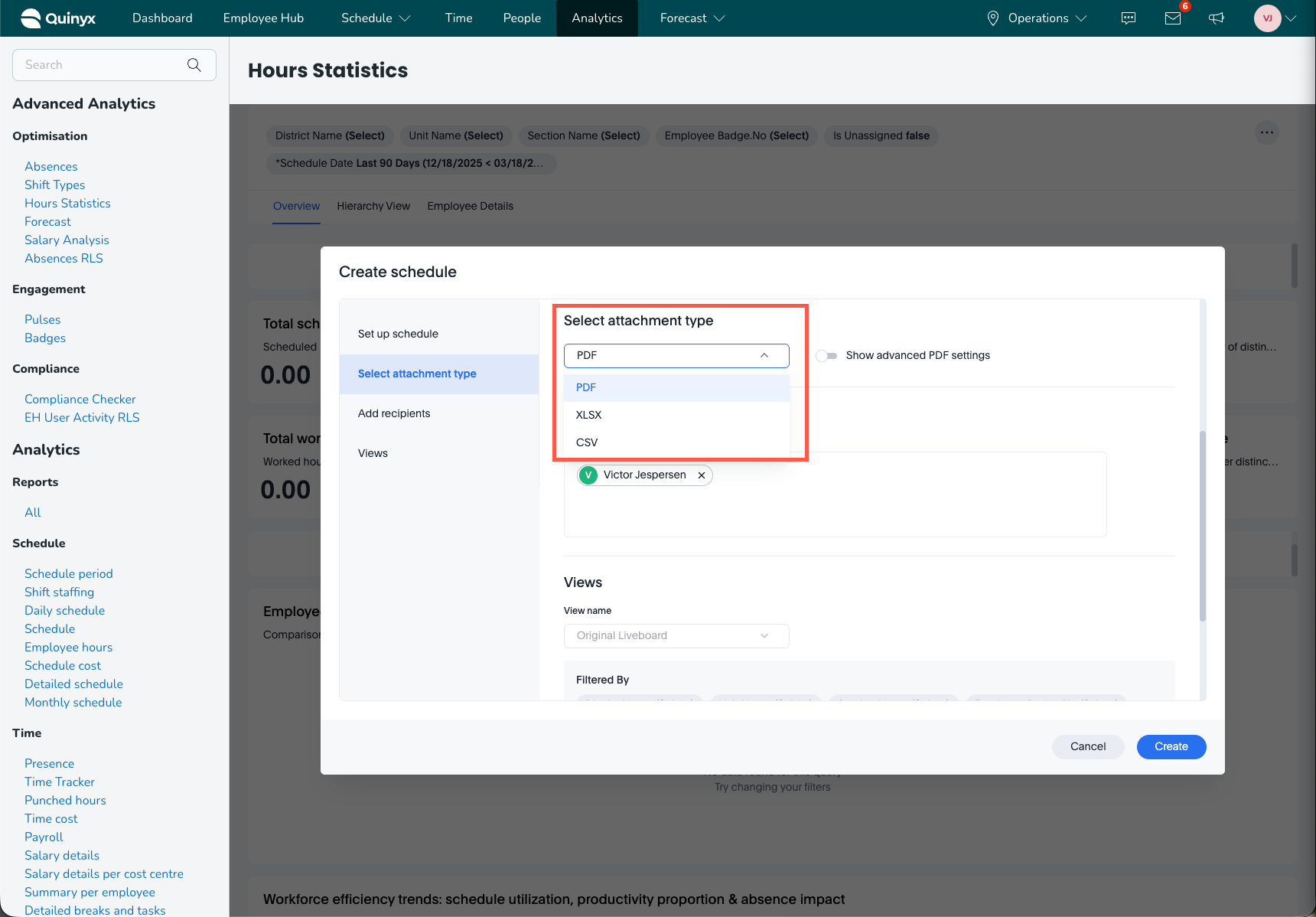
- Choose the file type of the report(PDF, XLSX, CSV).
- Select recipients of the report.