Mobile - Approve a shift you have been offered
 Updated
by
Victor Jespersen
Updated
by
Victor Jespersen
Employee shift offer workflow
The employee(s) will receive a notification in the mobile app of pending shift offers, and can choose to accept or decline. In the details of the shift offer(s), the comment and compensation level will be displayed.
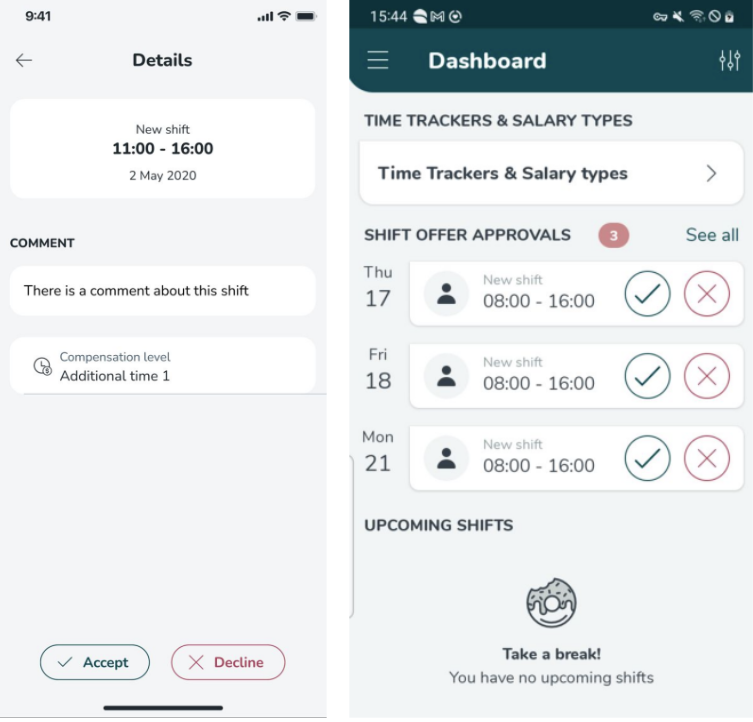
You can follow the steps below to accept a shift offer:
- In the dashboard of the mobile app, select the green check mark next to the shift you were offered.
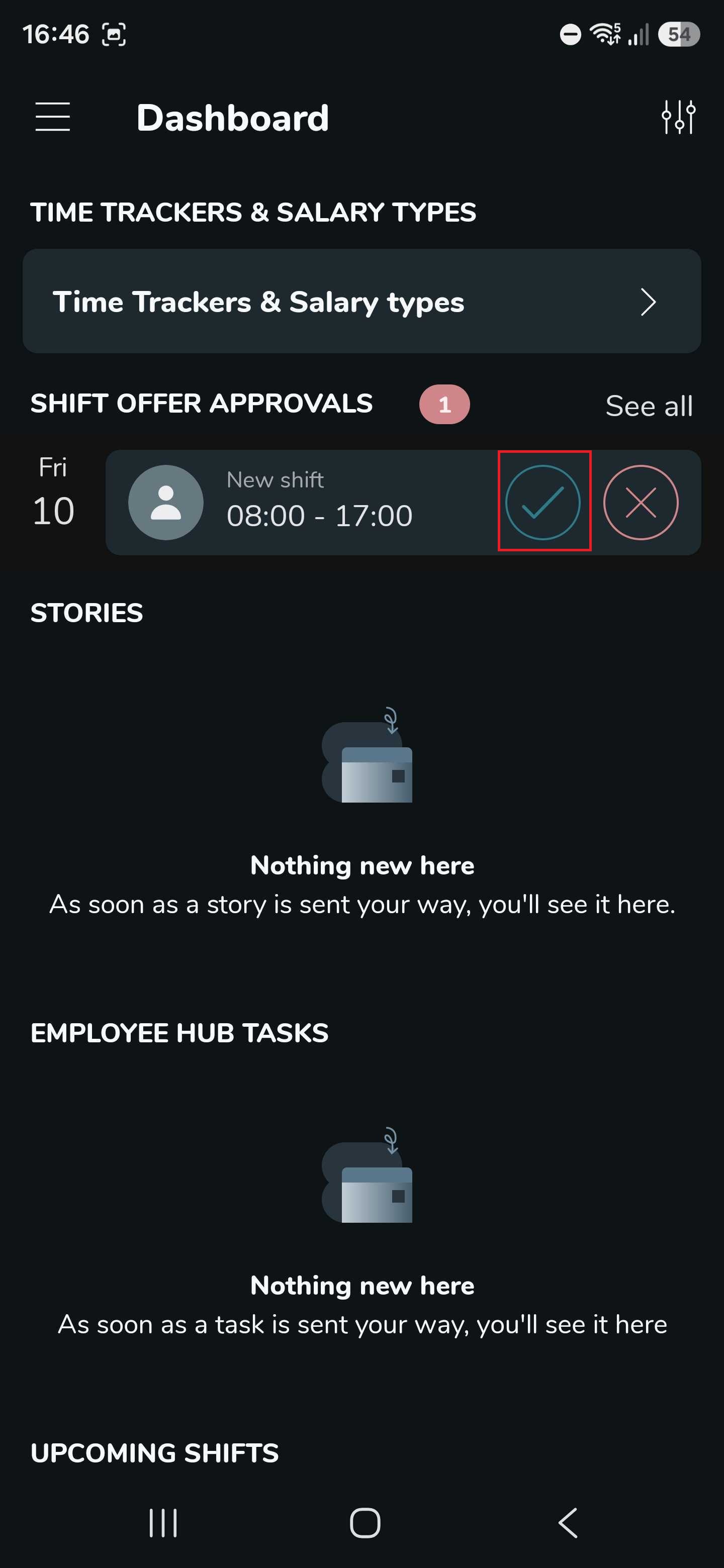
- Select the Accept button.
To decline the shift offer, you can follow the same steps as earlier. But instead of selecting the green check mark, select the red cross mark, and then the Decline button.
Legislative changes are due to come into force on the 1st of April in Sweden, an update to the Swedish Collective Agreement. This requires employers to show employees the compensation level they will be offered for a shift before they accept or decline it. The compensation level is displayed on both the shift and shift offer details.
