Mobile - Send a Qmail
 Updated
by
Victor Jespersen
Updated
by
Victor Jespersen
In this article, you’ll learn how to send a Qmail. We’ll guide you through each step, including creating your message, choosing recipients, adding the right information, and sending it. This helps ensure your Qmail is clear, complete, and sent to the correct audience.
Sending a Qmail
You can send a Qmail by following the steps below:
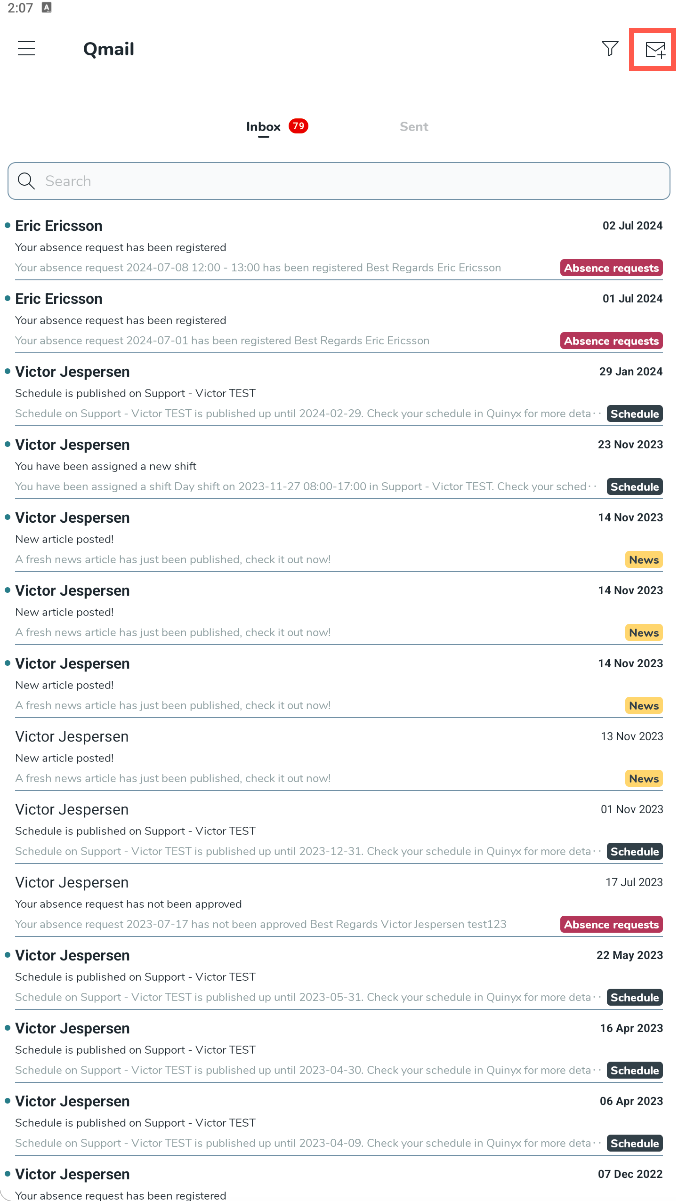
- Select the envelope icon with a plus at the top right corner.
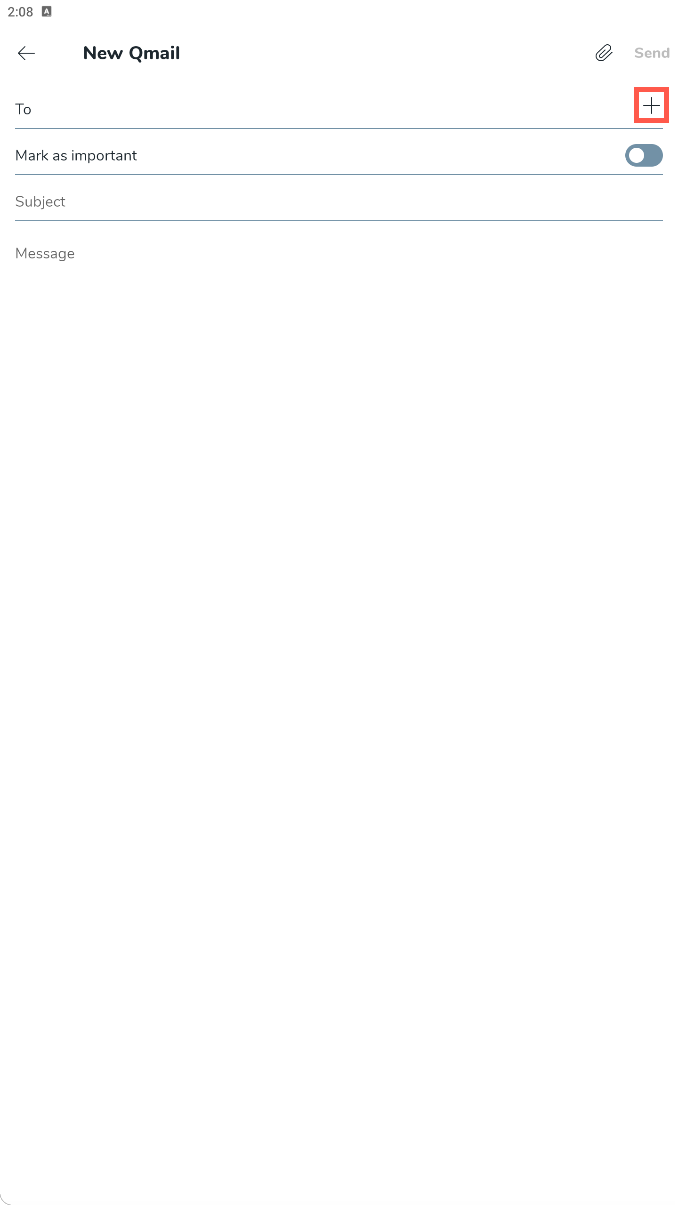
- Select the plus icon within the To row.
- Select a person/ people you want to send the Qmail to, and select save.

- Select whether the Qmail should be marked as important.
- Give the Qmail a subject, and write the message.
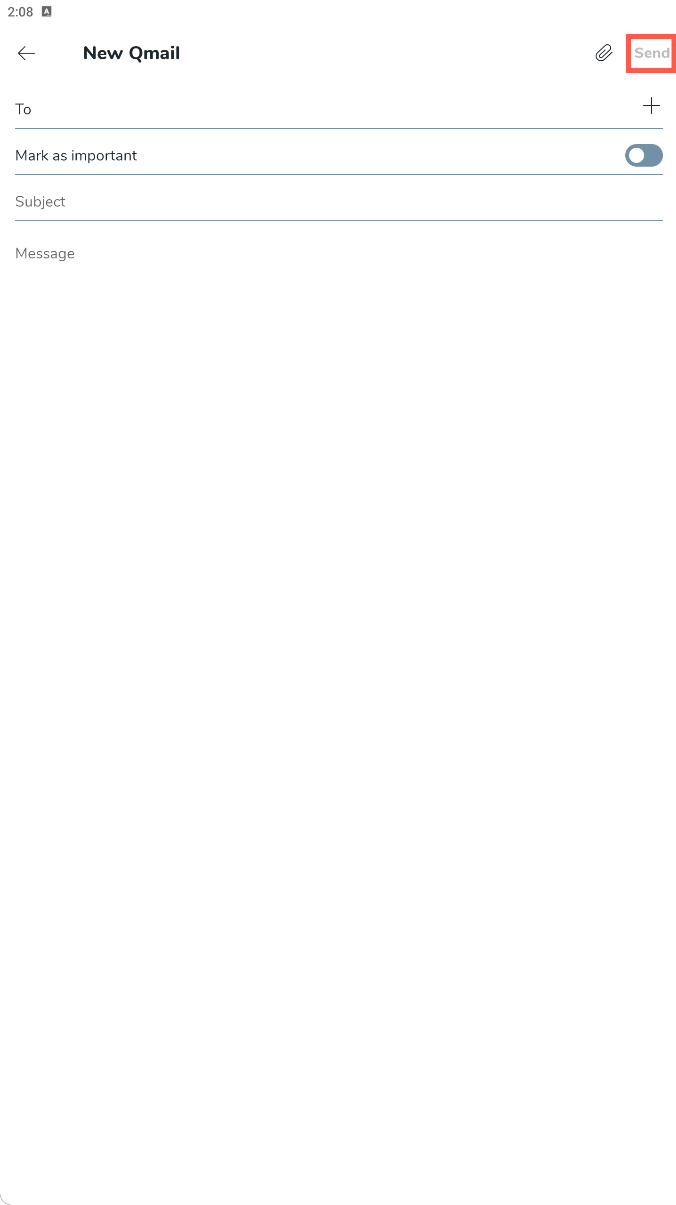
- Select the Send button to send the Qmail to the recipients.