Mobile - View your badges
 Updated
by
Victor Jespersen
Updated
by
Victor Jespersen
Badges awarded by colleagues are a simple way to recognize great work, celebrate teamwork, and highlight everyday achievements. In the mobile app, you can quickly view the badges you’ve received, see who sent them, and keep track of the recognition that matters most.
View your badges
To view the badges you have received, you can follow the steps below:
- Go to the Badges tab.
- You can see an overview of what badges you have received under my badges.
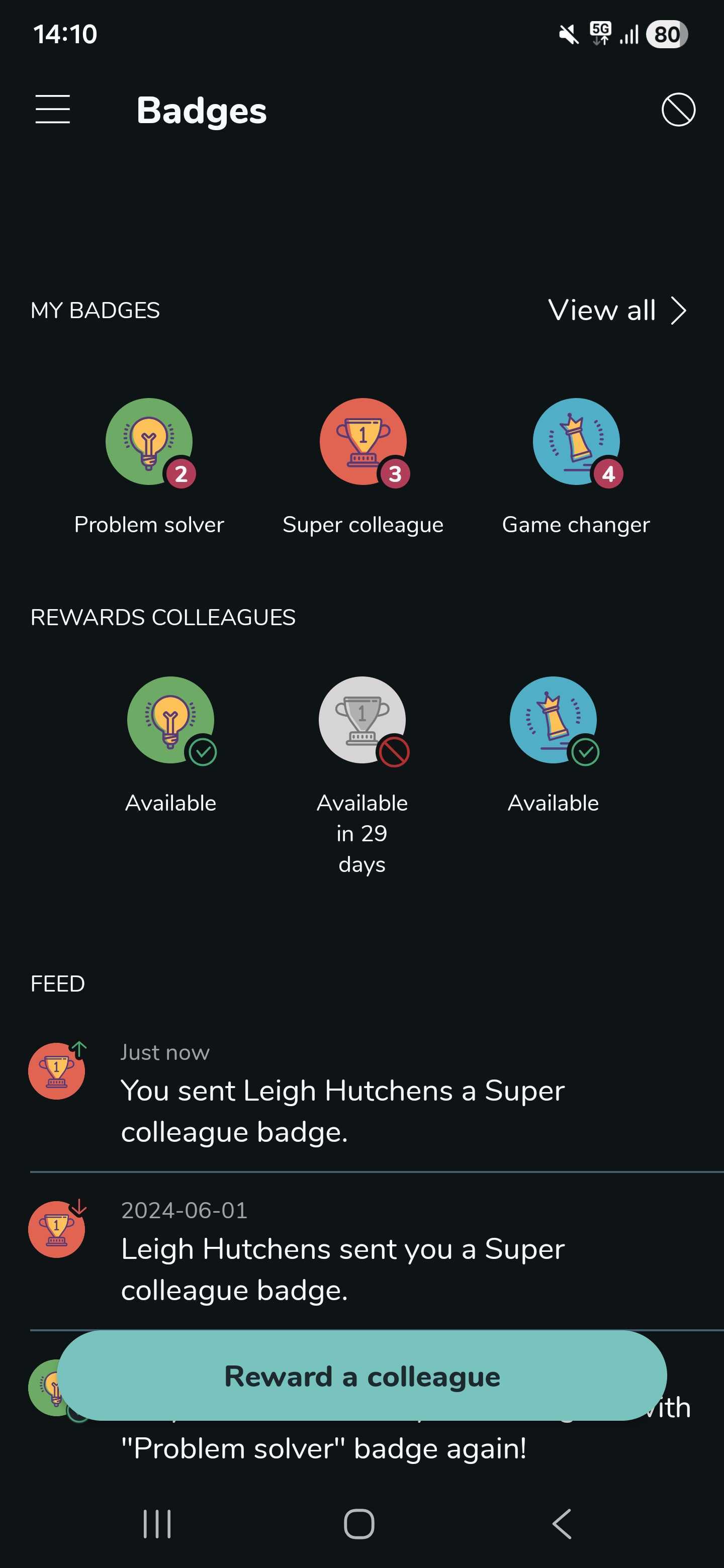
- Select View all -> You can see the details of every badge you have received.

The badge feature is turn on by default.
