Mobile - Approve a shift booking
 Updated
by
Victor Jespersen
Updated
by
Victor Jespersen
Shift booking requests
The shift booking requests that you see in the manager tab is following the new notification logic described here.
- Select the Manager menu.
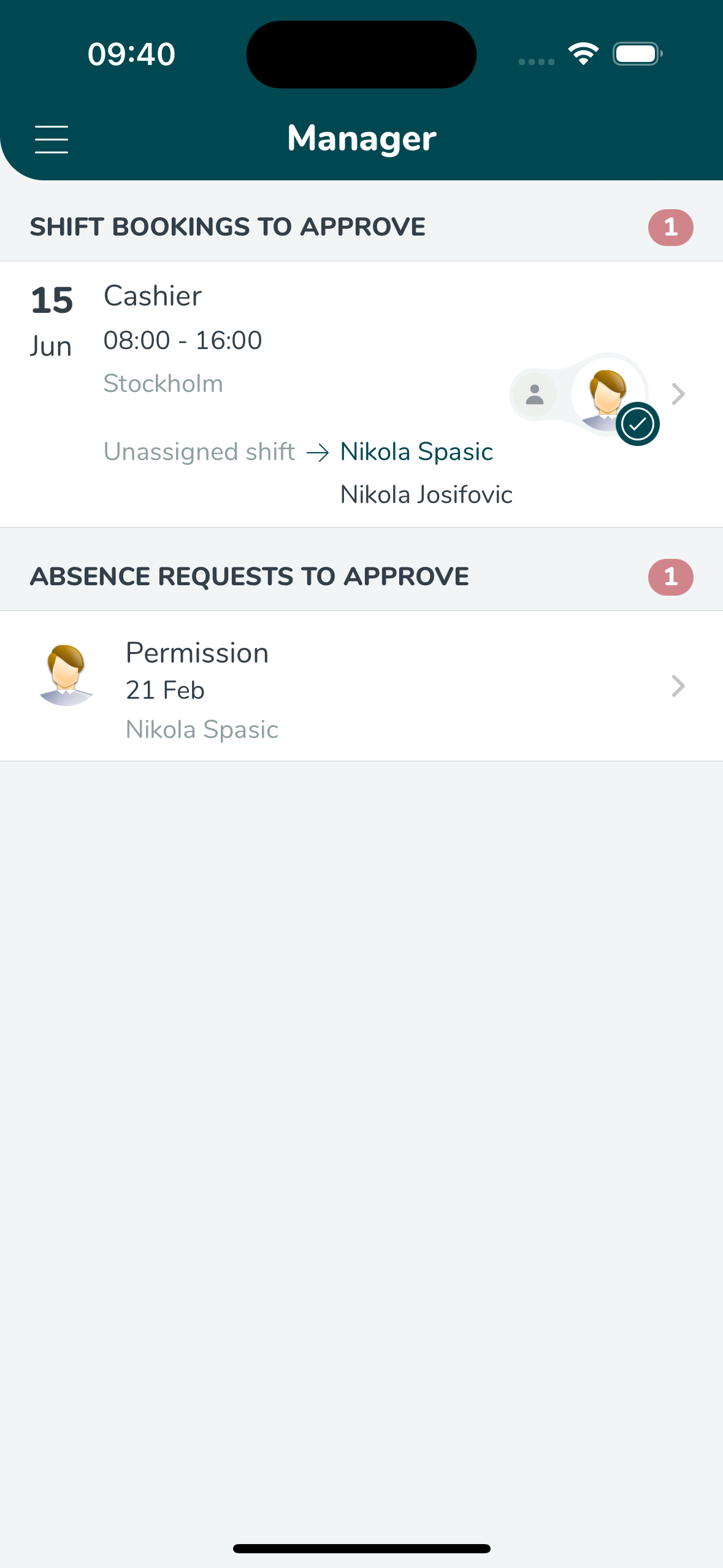
- Click Shift bookings to see details of the desired shift booking. An exclamation mark indicates you will contravene the employee’s agreement by giving them this shift.
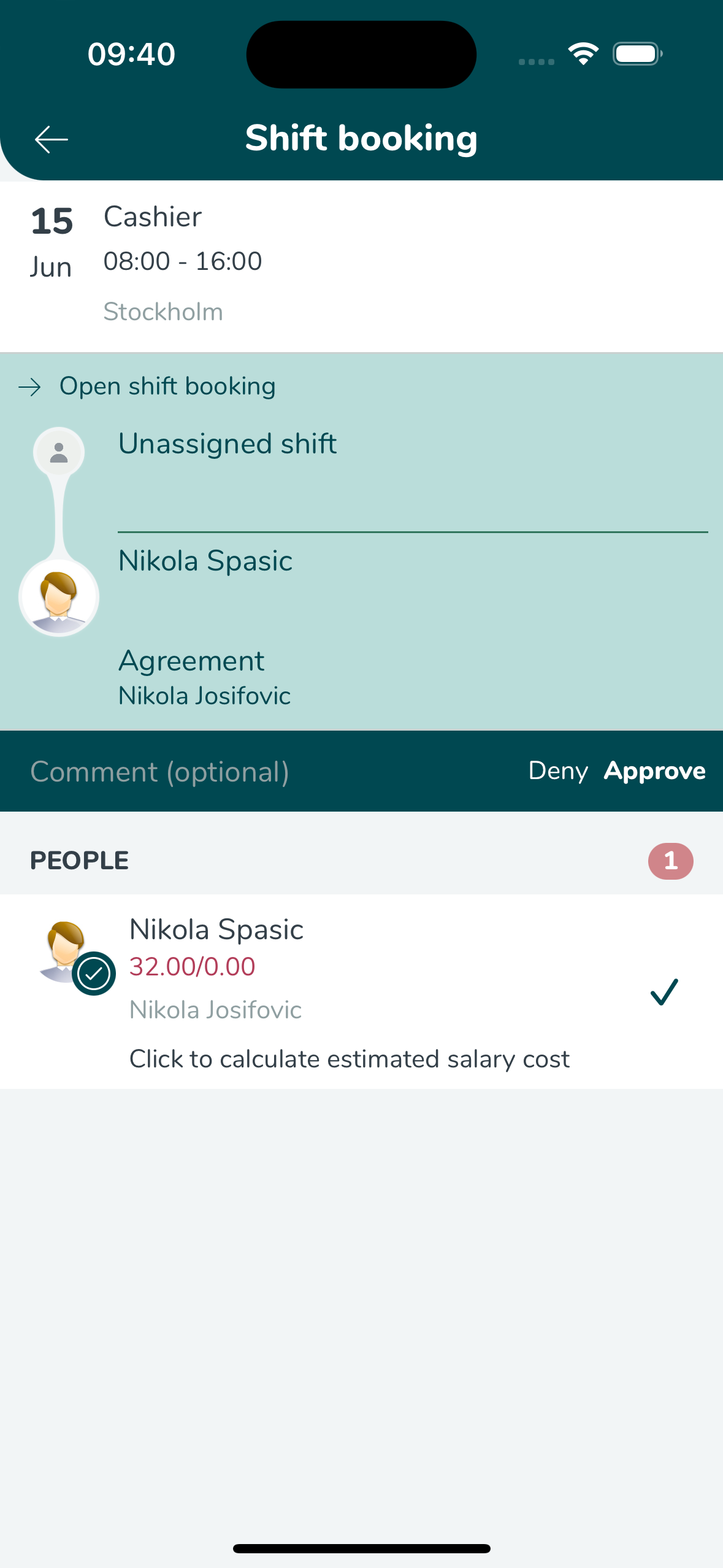
- You can see which regulations are breached if the shift booking is approved.
- You can write a comment (free text) and select Reject or Approve.
After you have managed a shift booking, it disappears from the view.
With release 3.11, we no longer support shift swap approvals in the Manager tab in the mobile app. Go to web.quinyx.com Schedule > Notifications to approve shift swap requests. You can also approve shift swap requests from web.quinyx.com on your smart phone.
