Mobile - View your Qpayslip
 Updated
by
Victor Jespersen
Updated
by
Victor Jespersen
Viewing your Qpayslip in the mobile app gives you quick, secure access to your salary details anytime, anywhere. This article shows you how to find your Qpayslip and keep track of your earnings with ease.
View your Qpayslip
You can view your Qpayslip by following the steps below:
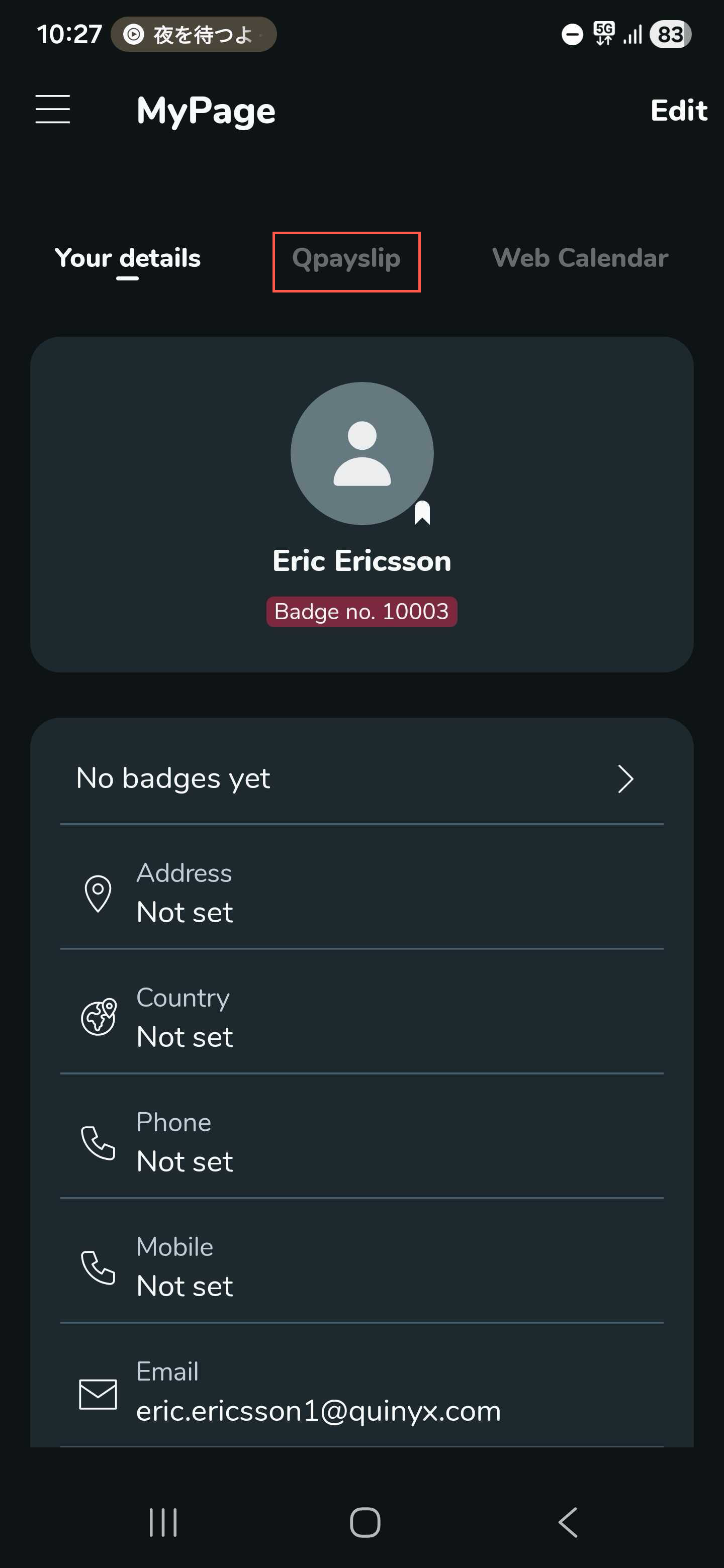
- Select the Qpayslip tab within Mypage.
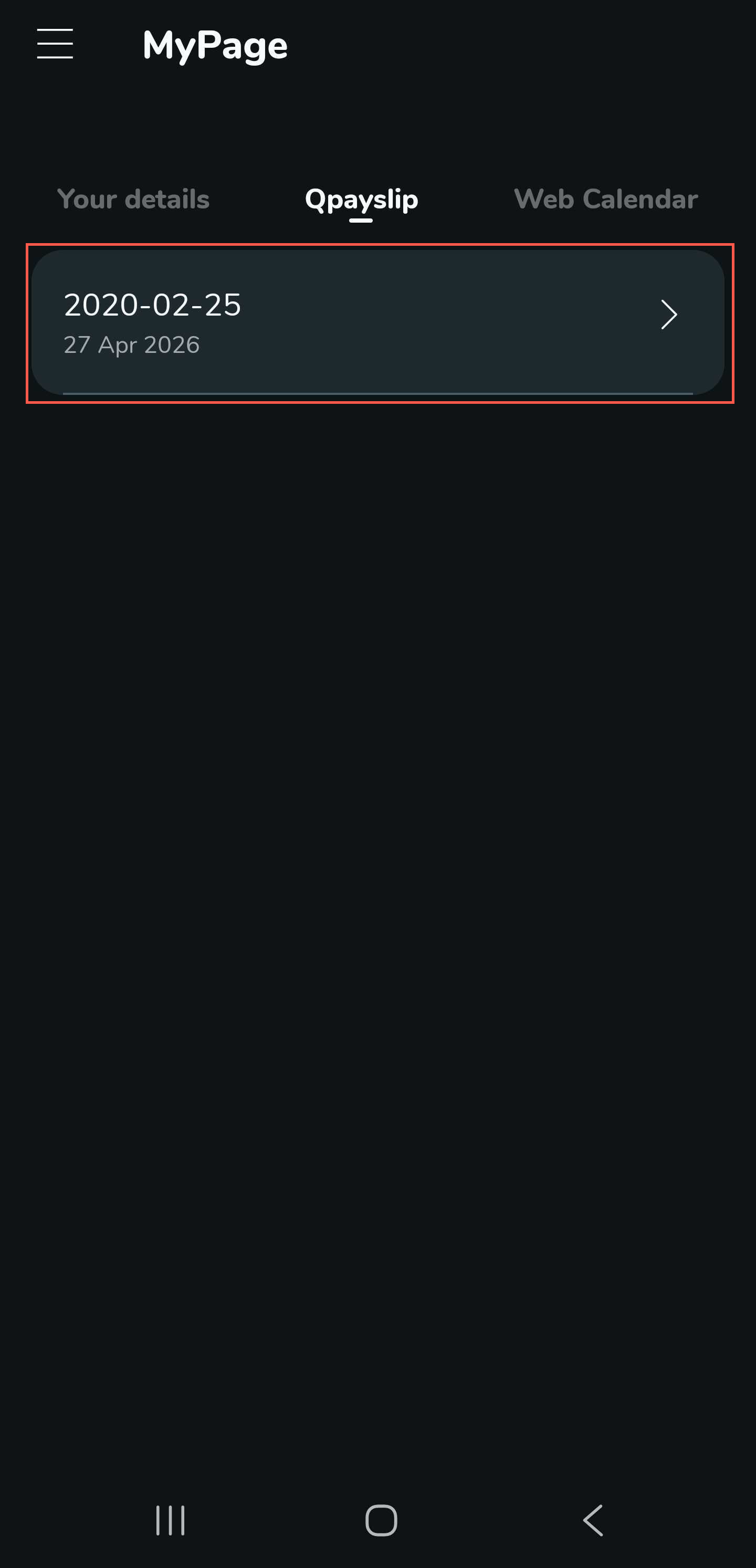
- Select the Qpayslip you want to view.
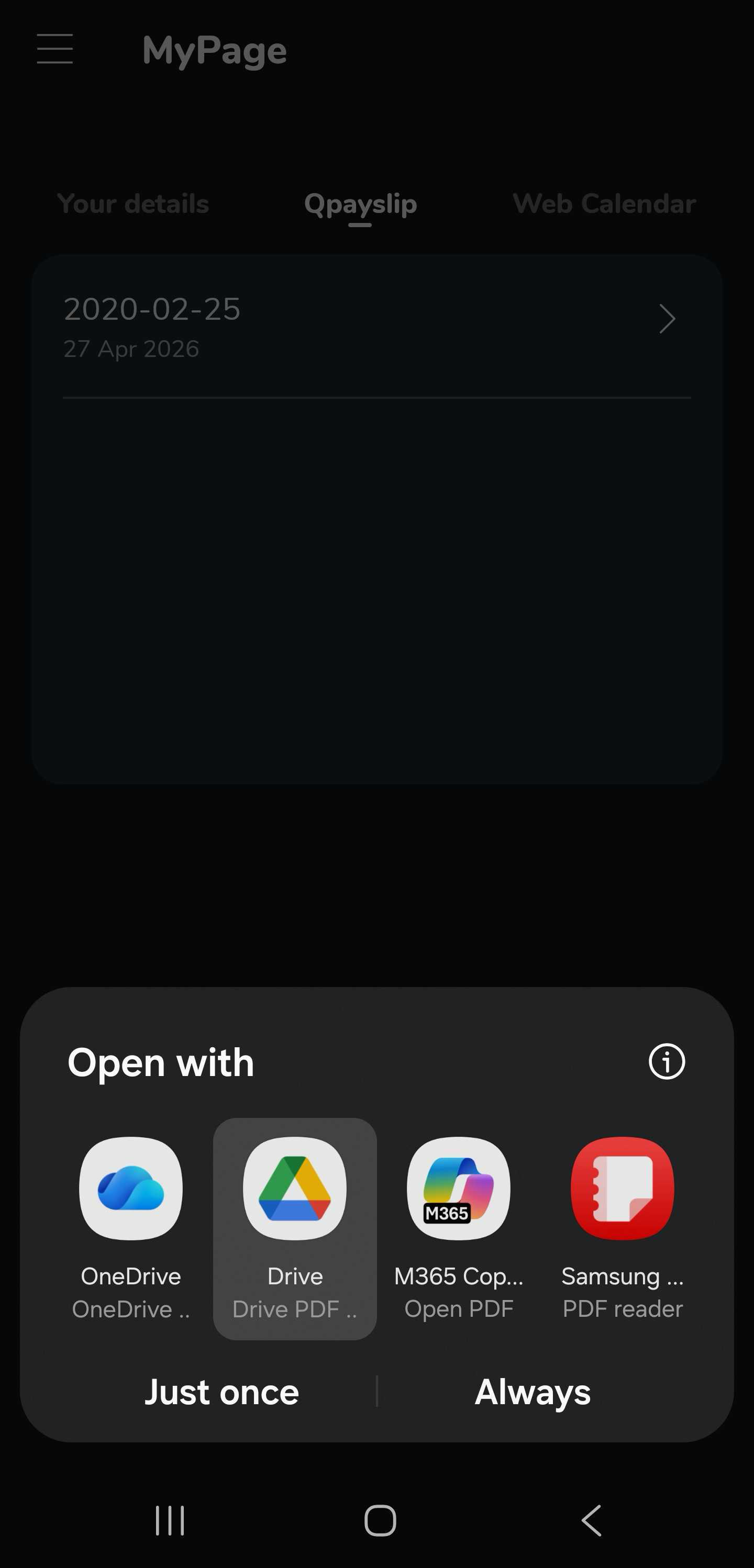
- Select an app you want to use to open the Qpayslip.
You can click here to read more about setting up a Qpayslip for sending out.
